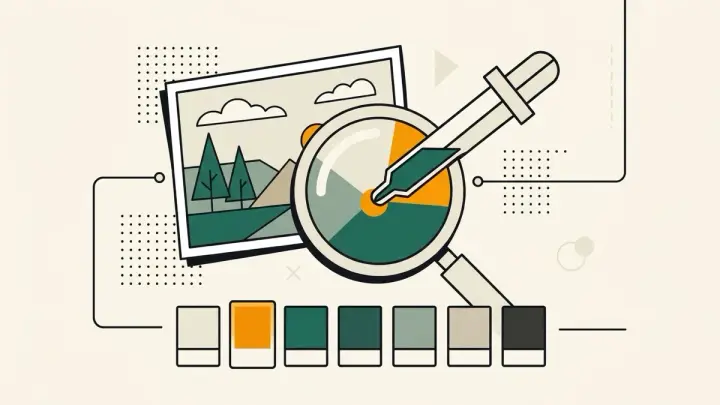
A frequent complaint in image-editing forums: the eyedropper tool "picks the wrong color," slightly off from what's visibly on screen. The usual cause is a sample size set to average a small area rather than a single point — the fix commonly suggested is switching to a single-point sample.
Get the exact HEX code from an image, one pixel at a time
This eyedropper always samples exactly one pixel — never an average of its neighbors — so the value you get is the value that's actually there.
Image color picker with a magnified loupe
Landing precisely on a single pixel at normal zoom is hard. A magnified loupe with a crosshair follows your cursor in real time so you can see exactly where you're about to click before you commit.
No upload, plus a pick history
Sampling happens entirely in your browser, and your last 10 picks stay visible so you can compare or re-copy an earlier color.