Color Unmixer
Color 1
Color 2
Mix them back together (at the same ratio) and you get exactly the target back:
See a color you like and wonder what two colors would mix together to make it? Pick the target — no need to already know one of the ingredients, unlike similar reverse-mix calculators — and get two candidate colors, with a live preview proving they mix (in the same OKLab model as Color Mixer) back to exactly that color, not an approximation.
How it works
- Pick the color you want to recreate
- Two candidate ingredient colors appear, adjustable by hue axis, spread, and mix ratio
- A verification preview mixes them back together to confirm it reproduces the target exactly
Frequently asked questions
Why isn't there just one correct answer?
Infinitely many color pairs can mix to the same result — gray can come from black+white, or from red+cyan, and so on. This tool lets you explore different valid combinations by adjusting the hue axis and spread.
Does mixing the two candidates really reproduce the target exactly?
Yes — they're constructed as mathematically symmetric points around the target in OKLab space (the same model as Color Mixer), so their weighted combination always equals the target exactly, not an approximation.
What if the candidates look like unusual, oversaturated colors?
If the target is very saturated or extreme in brightness, a large spread can push a candidate outside the range a screen can display — it gets clamped to the closest displayable color, and the verification preview will show a tiny difference in that case.
Do I need to already know one of the ingredient colors?
No — unlike similar reverse-mix calculators that require a known "fixed" color, this tool only needs the target.
Will these two colors mix the same way in paint?
No. This tool mixes colors the way screens do, by averaging them in the OKLab color space. Paint mixing is subtractive: each pigment absorbs part of the light, which is why blue and yellow paint make green, while averaging blue and yellow light gives a muddy gray. Use the results for digital work such as gradients, palettes, UI themes and CSS, not as a paint recipe.
What is OKLab, and why mix colors in it?
OKLab is a perceptual color space published by Björn Ottosson in 2020. Equal steps in OKLab look like roughly equal changes in color, so mixing two colors in it avoids the dark, dull midpoints you get when you average raw RGB values. Modern CSS supports it directly through oklab(), oklch() and color-mix().
How do I use the two colors in CSS?
Copy the two hex values and mix them with color-mix(in oklab, color1 (100 − R)%, color2 R%), where R is the ratio shown in the tool. Modern browsers will produce the target color, apart from tiny hex rounding differences, which is handy when you want a theme built from two base colors instead of hard-coding the blend.
What do the hue axis and spread controls change?
Spread sets how far apart the two ingredient colors sit from the target: a small spread gives two close shades, a large one gives a contrasting pair. The hue axis sets the direction they split in, for example warm versus cool or green versus magenta. The target stays exactly the same either way.
Related tools

From the blog
Update history
- 2026-10-16 Improved: added guidance on paint vs screen color mixing, what OKLab is, using the result with CSS color-mix(), and what the hue axis and spread controls do.
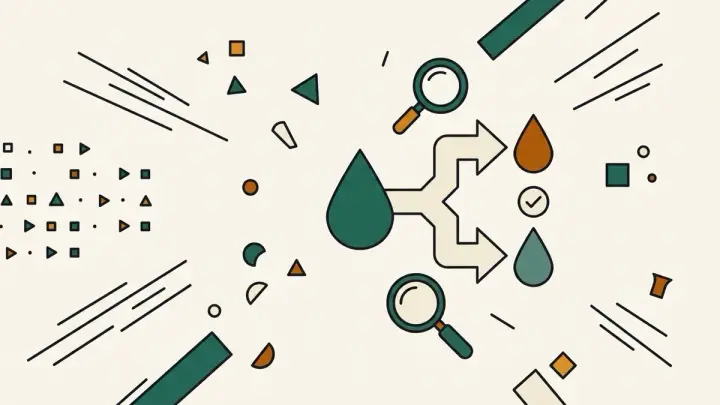
- 2026-08-30 Added: a cover image (one drop splitting via a forking arrow into two differently-hued drops, with a checkmark confirming exact recombination and a magnifying glass for curiosity) — used as the card thumbnail, social share image, and blog title image.
- 2026-08-30 Launched: live color unmixer (no button) — the reverse of Color Mixer. Generates two candidate ingredient colors from a single target color, with an exact-reconstruction guarantee (verified: mixing the candidates back at the same ratio always reproduces the target precisely). No known ingredient color required, unlike similar reverse-mix calculators. Entirely client-side.