Braille Translator
—
Copied!
Grade 1 (uncontracted) English braille only — every letter maps to one cell, nothing is abbreviated, so converting back always returns your exact original text. Grade 2 (contracted) braille needs a human's understanding of context to translate correctly, which is exactly why most automated tools get it wrong — this one doesn't attempt it.
Convert English text to Grade 1 (uncontracted) braille and back — exact, reversible, with proper capital and number signs.
How it works
- Choose a direction: Text → Braille or Braille → Text
- Type or paste your input
- Get an instant, exact conversion using the standard Grade 1 English braille alphabet, capital sign, and number sign
Frequently asked questions
Why only Grade 1 (uncontracted) braille?
Grade 2 (contracted) braille abbreviates common letter combinations in ways that require understanding the meaning of a sentence — something automated tools consistently get wrong, according to braille software reviews. Grade 1 maps one letter to one cell with no abbreviation, so converting back always returns your exact original text.
Does it handle capital letters and numbers correctly?
Yes — capital letters get the capital sign (⠠) before them, and numbers get the number sign (⠼) before the digit sequence, following standard braille conventions. Verified with round-trip tests during development, including tricky cases like digits directly followed by letters.
Is this a substitute for a professional braille transcription?
No — for anything important (documents, labels that matter), have it reviewed by someone trained in braille. This tool is best for everyday text, labels, and learning.
How does the braille alphabet work?
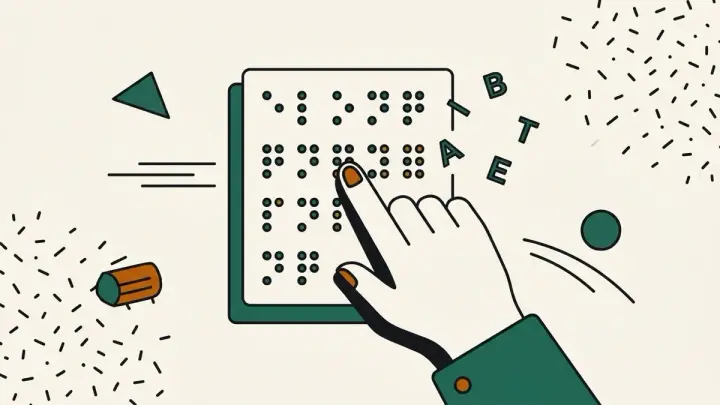
Each braille cell has six dot positions in two columns of three, numbered 1-2-3 down the left and 4-5-6 down the right. Letters a–j use only the top four positions (dots 1, 2, 4, 5). Letters k–t repeat a–j and add dot 3, and u, v, x, y and z repeat a–e with dots 3 and 6 added. W (dots 2-4-5-6) breaks the pattern because the French alphabet Louis Braille worked from had no w.
How are numbers written in braille?
Numbers reuse the letters a–j: 1 is a, 2 is b, and so on up to 0, which is j. A number sign (dots 3-4-5-6, ⠼) in front tells the reader the cells that follow are digits, so 2026 becomes ⠼⠃⠚⠃⠋. If a letter from a to j comes straight after a number, this tool inserts the dots 5-6 indicator so the reader knows the number has ended.
What's the difference between Grade 1 and Grade 2 braille?
Grade 1 (uncontracted) spells every word letter by letter. Grade 2 (contracted) uses around 180 contractions in Unified English Braille, where single cells or short groups stand for common words and letter combinations such as "and", "the" and "ing". Most braille books are in Grade 2 because it is shorter and faster to read. Grade 1 is used for learning, labels and anywhere the exact spelling matters.
Does this follow Unified English Braille (UEB)?
The United States adopted Unified English Braille in 2016, joining other English-speaking countries. The letters, capital sign, number sign and the punctuation this tool supports (period, comma, question mark, exclamation mark, apostrophe, hyphen, colon and semicolon) use the UEB cells.
Can I paste the braille output into a document or message?
Yes. The output uses the Unicode Braille Patterns block (U+2800 to U+28FF), so it is ordinary text you can paste into documents, emails and social posts, and it shows as dots wherever the font supports braille. It is a visual representation, though. To print on a braille embosser, use braille transcription software that produces an embosser-ready file.
Related tools
From the blog
Update history
- 2026-10-16 Improved: added explanations of how the six-dot braille cell works, how numbers are written, Grade 1 vs Grade 2 braille, Unified English Braille, and how to use the Unicode braille output.
- 2026-09-04 Increased the braille output font size by 3px for better readability.
- 2026-09-02 Launched: Grade 1 English braille translator (text↔braille), with capital sign and number sign support, verified with round-trip tests. Entirely client-side.