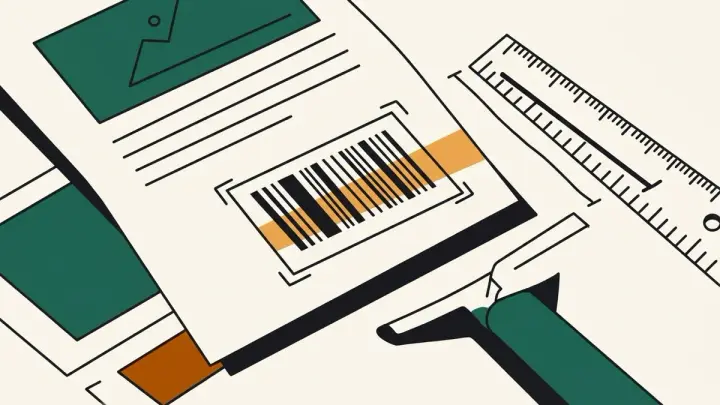
A barcode that scans perfectly on your monitor can fail completely once printed and enlarged — troubleshooting guides consistently point to the same root cause: the bars were exported as a raster image (PNG) and then scaled up past their original resolution.
Why a barcode won't scan after printing
Every barcode has a minimum bar width (the "X-dimension") a scanner needs to resolve. Enlarge a small PNG barcode and that width blurs below what the scanner can distinguish — it sees a smear instead of distinct lines. The documented fix, repeated across barcode troubleshooting sites, is to use vector output instead.
CODE128 barcode generator for any text, EAN-13/UPC-A for products
This barcode generator supports CODE128 (any printable text), EAN-13 (international product codes), and UPC-A (US/Canada) — with the check digit calculated automatically so you don't need to work it out by hand.
Barcode generator SVG download, not just PNG
SVG is resolution-independent — it stays crisp whether you print it at 1 inch or 6 inches wide. PNG is offered too, for anywhere that specifically needs a raster file.