Image Color Balance Filter
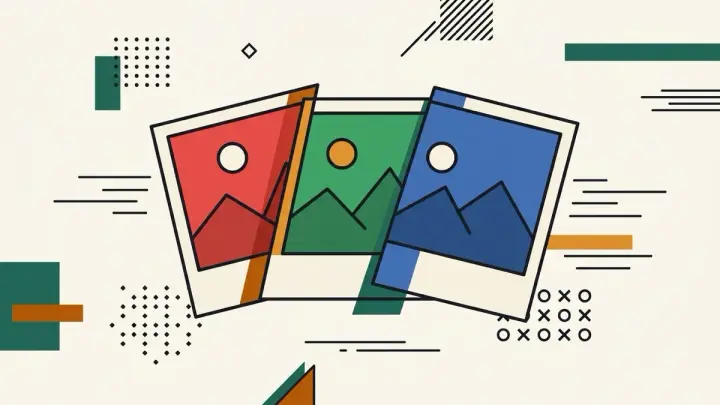
Adjust an image's Red, Green, and Blue channels independently with manual sliders — no AI auto-correct guessing what you want, so you can deliberately push a color cast rather than fight one.
How it works
- Upload an image
- Drag the R, G, B sliders (-100 to +100) — the preview updates live
- Download the result as PNG
Frequently asked questions
Does this auto-correct color with AI?
No — this tool intentionally skips AI auto-correction. It's a manual R/G/B channel tool for deliberate control.
Can I undo my changes?
Yes, the Reset button sets all three sliders back to 0.
Is my photo uploaded to a server?
No — everything runs in your browser using the Canvas API. The image never leaves your device.
Related tools
From the blog
Update history
- 2026-09-18 Launched: manual R/G/B channel sliders (no AI auto-correct) for color cast correction.