Checking several popular free photo color tools directly, the pattern is consistent: an AI "Auto Fix" or "Auto Color Correction" button is the headline feature, and manual per-channel controls — when they exist at all — sit one or two menus deeper. That's backwards if you already know exactly what you want, like deliberately pushing a portrait warmer instead of "fixing" it back to neutral.
Image color balance tool, manual only
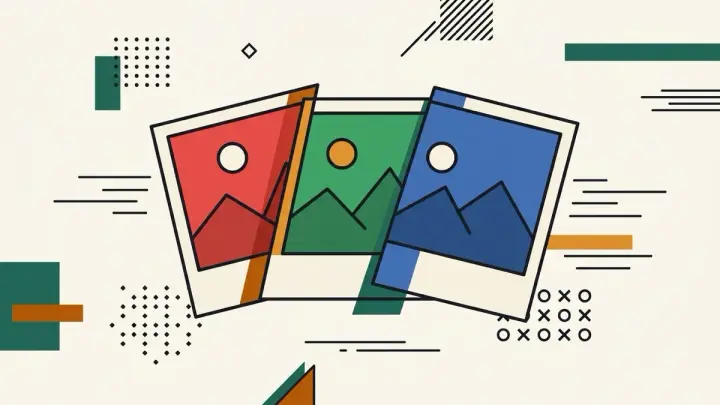
This tool has no AI auto-correct button at all. Three sliders — Red, Green, Blue — are the entire interface, front and center the moment you upload an image.
Adjust RGB channels online, independently
Each channel moves from -100 to +100 on its own slider, rather than being bundled into a single "color temperature" control that moves red and blue in opposite directions together. Push just green, or just blue, without the others shifting.
Fix color cast photo online free, or create one on purpose
The same sliders that remove an unwanted color cast (say, a greenish tint from fluorescent lighting) work just as well to add a deliberate one — there's no "correct" answer the tool is nudging you toward.
Red green blue channel adjustment tool, no upload
Everything runs in the browser via the Canvas API. The photo is never sent to a server, and downloading the result is a single click.