iLoveIMG's face blur is one of the more popular free options, but it has no AI face detection — you click and drag a box over every single face by hand, so a group photo of a dozen people means repeating the same selection twelve times. And the photo itself has to be uploaded to iLoveIMG's servers first, which is an odd tradeoff for a tool whose whole purpose is protecting someone's identity. Watermarkly's free face blur avoids the manual-selection problem with automatic detection, but stamps its own logo across the result unless you pay to remove it.
Blur face in photo online, free, with automatic detection
This tool uses an on-device face-detection model (Google's open-license MediaPipe) to find every face in a photo automatically — no manual box-dragging for each person in a group shot, and no cost or signup to use it.
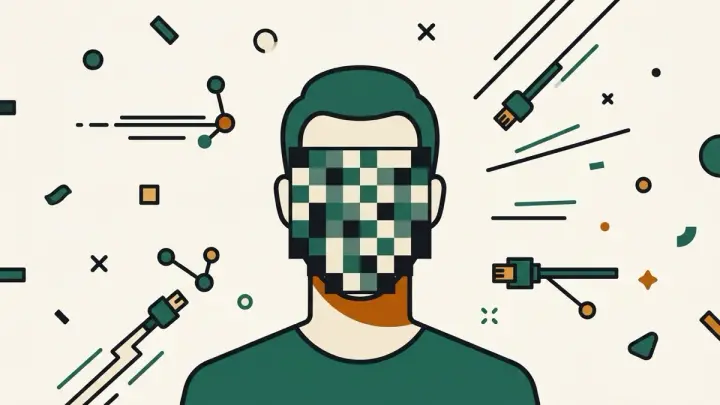
Pixelate face online, no upload required
Detection and pixelation both run inside your browser using the Canvas API. The photo is never sent to a server — it never leaves your device, so there's nothing to upload and nothing stored anywhere once you close the tab.
Anonymize photo face, without a watermark
The downloaded PNG has no logo, no branding, and no restriction on how many photos you process. Free means free.
Blur faces in photo without uploading, even when detection misses one
No automatic face detector is perfect — profile angles, sunglasses, and small or partially hidden faces can slip past any AI model, including this one. When that happens, drag directly on the photo to draw your own censor box over anything the detector missed, or click an existing box to remove a false positive.
Censor face in picture online — pixelate or blur, and how strong
Both styles are available with an adjustable strength slider. Strong pixelation is generally the safer default for actually hiding someone's identity — a coarse mosaic destroys the underlying detail, while light blur has in some cases been partially reversible with AI upscaling tools. That's why the tool defaults to a strong pixelation level, though you can switch to blur or adjust the strength.