Canva's profile picture maker is fine for the crop itself, but the moment you touch a Pro template or element, the result carries a watermark until you buy a one-off content license for that specific design — a strange tollbooth for what should be a five-second crop. Fotor's free tier is worse for this: every export is capped to non-HD resolution and stamped with Fotor's own logo, so the "free" circle-crop result usually isn't usable anywhere that actually matters. Neither problem has anything to do with the image editing itself — they're licensing friction bolted onto a simple task.
LinkedIn profile picture size
LinkedIn recommends at least 400×400 pixels, displayed to other members in a circle. Anything smaller gets upscaled and looks soft; there's no reason to go lower than 400px when the source photo allows it.
Discord pfp size
Discord's UI shows avatars as small as 128px in some contexts, but it also upscales whatever you upload to fit larger surfaces (profile popouts, the settings screen). Uploading at 512×512 keeps the image sharp everywhere Discord displays it, instead of getting blurry the moment someone clicks your name.
Circle crop profile picture online, without an upload
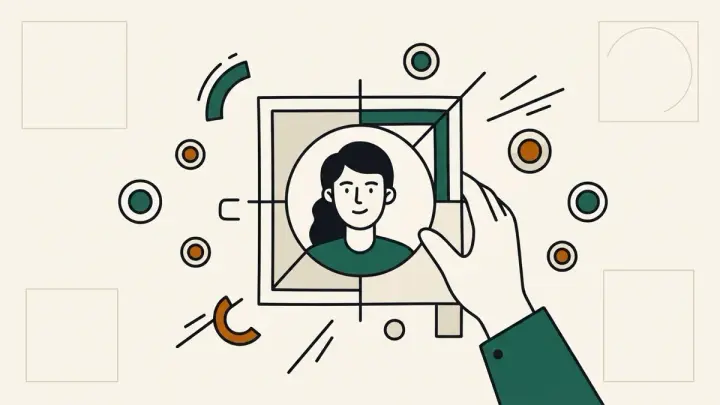
This tool never sends your photo anywhere — cropping, the border, and the background fill all run on the Canvas API inside your browser. Drag the photo to reposition it inside the circle or square frame, zoom in or out, and the crop updates live.
Resize profile picture for GitHub
GitHub accepts avatars up to 3000×3000px but caps the file at 1MB, and anything beyond roughly 460–500px is wasted detail for how small the avatar actually renders in most of GitHub's UI. The GitHub preset here targets 460×460, a size that stays sharp without bloating the file.
Profile picture maker, no watermark
There's no free tier to hit a ceiling on — every export is the same full-resolution PNG with nothing added, whether it's your first photo or your fiftieth. No account, no per-design license, no logo stamped in the corner.