Profile Picture Maker
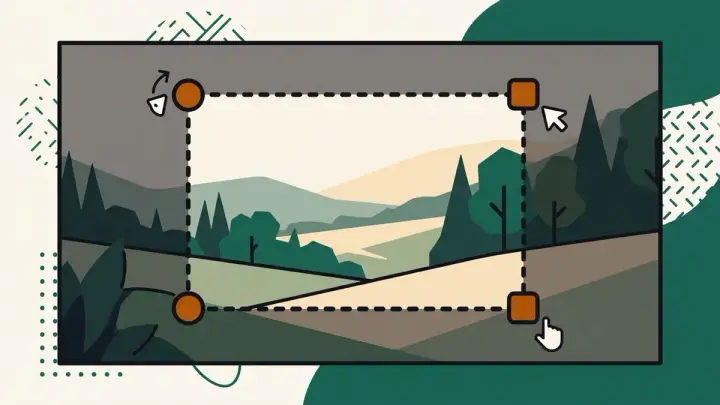
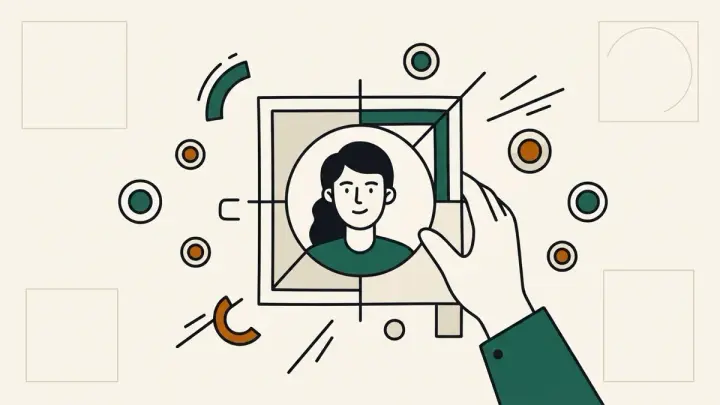
Drag the photo to reposition it inside the frame.
Crop your photo to a circle or square, add a border and background color, and export it at the exact pixel size each platform wants — LinkedIn, X, Discord, GitHub, Facebook — all in your browser, no upload, no watermark.
How it works
- Upload a photo and drag it to reposition inside the circle or square frame, zoom to fit
- Pick a border color/width and a background fill for the transparent corners
- Choose a platform size preset (or a custom size) and download the PNG
Frequently asked questions
Is my photo uploaded to a server?
No — everything happens in your browser using the Canvas API. Your photo never leaves your device.
What size should my LinkedIn profile picture be?
LinkedIn recommends at least 400×400 pixels, displayed in a circle. Pick the "LinkedIn (400×400)" preset and it's handled automatically.
What size should a Discord avatar be?
Discord shows avatars as small as 128px but upscales blurry images, so uploading at 512×512 keeps it sharp across every screen. Use the "Discord (512×512)" preset.
Does this add a watermark to my picture?
No, never. The download is your image at the size you chose, nothing else added.
Can I use a square shape instead of a circle?
Yes — toggle between circle and square crop before downloading. Platforms like GitHub display square avatars with rounded corners applied by the platform itself.
Related tools
From the blog
Update history
- 2026-09-20 Launched: client-side circle/square profile picture cropper with drag-to-reposition, zoom, border color/width, background fill for transparent corners, and platform-size presets (LinkedIn, X, Discord, GitHub, Facebook, plus a universal 512×512 and custom size).