Image Compressor
Original
—
Compressed
—
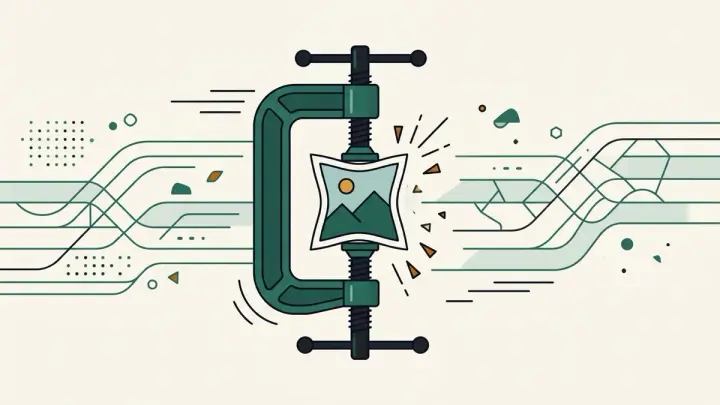
Compress JPEG, PNG, and WebP images entirely in your browser with a quality slider and a live before/after file size comparison. No upload, no file count limits.
How it works
- Upload or drag in an image
- Drag the quality slider and pick an output format — file size updates live
- Download the compressed image once you're happy with the size/quality tradeoff
Frequently asked questions
Is my image uploaded to a server?
No — compression happens entirely in your browser using the Canvas API. Your image never leaves your device.
Is there a limit on how many images I can compress?
No count limit — you're only limited by your browser's memory.
Does PNG compress as much as JPEG?
Usually less — PNG is designed to be lossless, so its size reduction from quality/re-encoding settings is typically smaller than JPEG or WebP.
How much quality will I lose?
You control it directly — the quality slider shows the resulting file size in real time so you can find the balance you want before downloading.
Related tools
From the blog
Update history
- 2026-09-19 Launched: client-side canvas image compressor (JPEG/WebP/PNG) with quality slider and live before/after file-size comparison, no upload.