Password Generator
Select at least one character type.
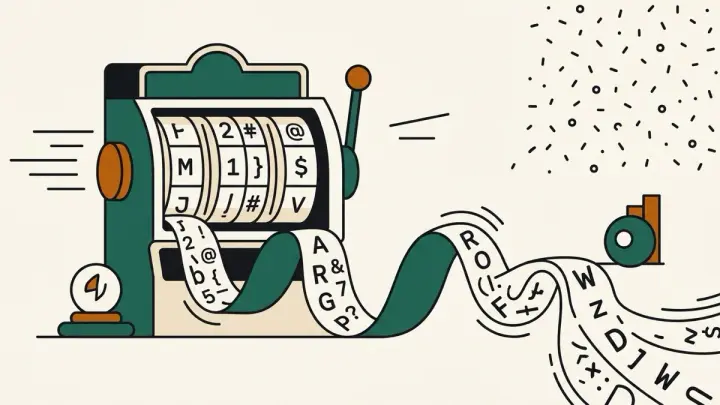
Generate cryptographically random passwords instantly — up to 128 characters, up to 20 at once, with an option to exclude ambiguous characters and a live strength meter.
How it works
- Set the length and pick which character types to include
- A new password generates instantly whenever you change an option — no button needed
- Check the strength meter (with entropy in bits), then copy one password or all of them
Frequently asked questions
Is the generated password sent to a server?
No — it's generated entirely in your browser using the Web Crypto API (crypto.getRandomValues), never transmitted anywhere. That's also why there's no share link for this tool: a password shouldn't end up in a URL.
How long should a password be?
NIST SP 800-63B Rev 4 (August 2025) requires at least 15 characters when a password is the only thing protecting an account. For passwords you generate and keep in a password manager, 16 or more random characters is a sensible default. This generator starts at 16 and goes up to 128.
Can I generate several at once?
Yes — set "How many" up to 20 and each one is generated independently, ready to assign to different accounts.
What does "exclude ambiguous characters" do?
It removes characters that are easy to misread or mistype — l, I, 1, 0, and O — useful if you'll ever need to type the password by hand.
Do I need symbols in my password?
Not necessarily. NIST's current guidance (SP 800-63B Rev 4) tells websites not to force rules like "must include a symbol", because length and randomness matter more. When a computer generates the password, though, adding symbols is a free way to raise the strength, since each character can be any of 88 instead of 62.
Related tools

From the blog
Update history
- 2026-10-16 Improved: updated password length advice to NIST SP 800-63B Rev 4 (15+ characters when a password is the only login factor) and explained whether symbols are needed.
- 2026-09-03 Bounded numeric fields are now sliders instead of number inputs.
- 2026-08-30 Added: a cover image — used as the card thumbnail, social share image, and blog title image.
- 2026-08-29 Launched: instant password generator (crypto.getRandomValues), bulk generation, exclude-ambiguous-characters toggle, and a 4-level strength meter with entropy bits shown.