A strong password is one nobody can guess, and the only reliable way to get one is to let a random generator pick every character. Our free password generator does that in your browser and shows the strength in bits, so you can see how length and character types change the result instead of trusting a vague "Strong" label.
How long should a password be?
The most-cited standard is NIST Special Publication 800-63B, the U.S. government's digital identity guideline. Its fourth revision, published in August 2025, says that when a password is the only thing protecting an account, systems must require at least 15 characters. It also says services should accept passwords of at least 64 characters, allow spaces and Unicode, and stop forcing scheduled password changes. A password should only be changed when there's evidence it was exposed.
For a password you generate and store in a password manager, there's no reason to stop at the minimum. Our generator defaults to 16 characters and goes up to 128.
Why NIST dropped "must include a symbol" rules
Rev 4 says services shall not impose composition rules such as "one uppercase, one number, one symbol." The reason is human behavior: when people are forced to add a symbol, they write Password1!. Attackers know those patterns and try them first. Length and randomness matter far more than which character classes appear, and a blocklist of known breached passwords catches the rest.
That advice is about what websites should require. When a machine generates the password, using more character types is still a free way to add strength, because each extra character can be any of a larger set.
What "bits of entropy" means
Entropy measures how many guesses a fully random password would take to find. Each character adds log2(N) bits, where N is the number of characters it could be. Every extra bit doubles the number of possibilities. The table below shows the bits for passwords picked uniformly at random. These are the same numbers the generator's strength meter shows.
| Character set | Set size | 8 chars | 12 chars | 15 chars | 16 chars | 20 chars |
|---|---|---|---|---|---|---|
| Lowercase only | 26 | 37.6 | 56.4 | 70.5 | 75.2 | 94.0 |
| Upper + lowercase | 52 | 45.6 | 68.4 | 85.5 | 91.2 | 114.0 |
| Letters + digits | 62 | 47.6 | 71.5 | 89.3 | 95.3 | 119.1 |
| Letters + digits + symbols | 88 | 51.7 | 77.5 | 96.9 | 103.4 | 129.2 |
| Same, ambiguous characters removed | 83 | 51.0 | 76.5 | 95.6 | 102.0 | 127.5 |
Two things stand out. Adding length beats adding character types: a 20-character lowercase password (94 bits) is stronger than a 12-character password that uses every character type (77.5 bits). And removing the five look-alike characters costs only about one bit at 16 characters.
The generator labels results as Weak (under 40 bits), Fair (40 to 59), Strong (60 to 79) and Very strong (80 or more). Because it guarantees at least one character from each type you select, the true entropy is a fraction of a bit lower than the meter shows.
Random means generated by the computer, not invented by you
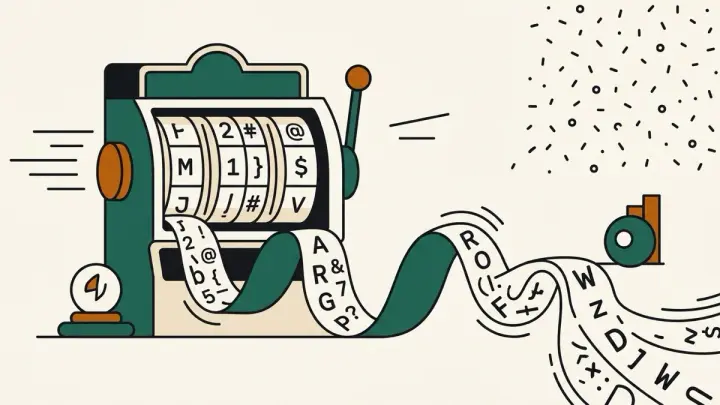
The entropy numbers above only apply when every character is chosen by a cryptographic random number generator. A password you make up, even a long one, follows patterns: words, names, keyboard runs, a capital first letter and a digit at the end. Our generator uses the Web Crypto API (crypto.getRandomValues), the browser's cryptographically secure source of randomness, and avoids the modulo bias that can make some characters slightly more likely than others. It never uses Math.random(), which is predictable.
A password generator without ambiguous characters
If you'll ever read a password aloud or type it from a printout, lowercase l, uppercase I, the digit 1, uppercase O and zero are easy to confuse. Tick "Exclude ambiguous characters" and the generator removes them from every set. As the table shows, the strength cost is small, so it's a sensible default for Wi-Fi passwords, shared office accounts or anything you'll copy by hand.
Generate several strong passwords at once
Reusing one password across sites is the main way a single breach spreads to your other accounts. Set "How many" up to 20 and each password is generated independently, so you can assign a different one to every account you're cleaning up and save them in your password manager as you go. "Copy all" puts the whole list on your clipboard, one per line.
Why this tool has no share link
Most OllTools tools can encode your input into a shareable URL. This one deliberately can't. A generated password has no business appearing in a URL, browser history or server log. Generation happens entirely in your browser and nothing is sent anywhere.