A distorted resize — a circle stretched into an oval, a face squashed — usually isn't a bug. It's a "Lock Aspect Ratio" checkbox the user forgot to enable, because on many resizers it's off by default.
Resize image without losing quality or shape
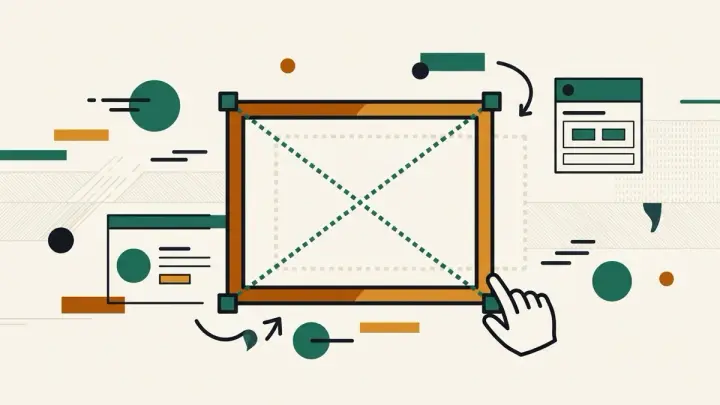
This image resizer locks the aspect ratio by default. Type a new width and the height recalculates automatically to match — you have to deliberately uncheck the lock to get a different ratio.
Resize image to exact pixels, or by percentage
Enter exact pixel dimensions, or use the 25/50/75/100% quick buttons for proportional resizing.
An honest note about enlarging
Scaling an image up past its original size always loses some sharpness — there's no extra detail to invent. This tool warns you plainly when your target size exceeds the original, instead of implying "lossless" enlargement the way some marketing does.