HEIC to JPG Converter
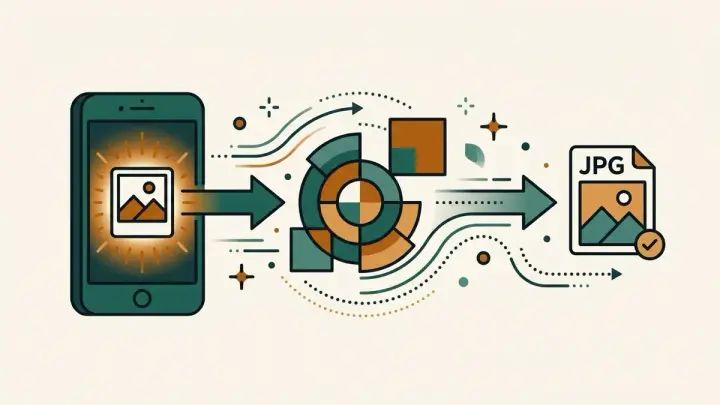
Convert iPhone HEIC/HEIF photos to JPG, PNG, or WebP entirely in your browser — no upload, no ads, no file limit. Drop in several photos at once and download each one, with a quality slider and live before/after size comparison.
How it works
- Choose or drag in one or more HEIC/HEIF photos
- Each photo converts automatically — pick JPG, PNG, or WebP as the output format
- Adjust the quality slider (for JPG/WebP) and compare the new file size against the original
- Download each photo individually, or download all at once
Frequently asked questions
Is my photo uploaded to a server?
No — every conversion happens entirely in your browser. Your photos never leave your device.
Can I convert to formats other than JPG?
Yes — you can choose JPG, PNG, or WebP as the output format.
Can I convert several photos at once?
Yes — drop in multiple HEIC files and each one converts on its own; download them individually or all at once.
Will the quality drop?
You control that with the quality slider (for JPG/WebP), and the live file-size comparison shows the tradeoff as you adjust it.
Why won't my iPhone photos open on Windows or some Android apps?
iPhones save photos as HEIC, a compressed format that older Windows versions and some Android apps don't support. Converting to JPG makes them open anywhere.
Related tools

From the blog
Update history
- 2026-09-20 Launched: client-side HEIC/HEIF to JPG/PNG/WebP converter (no upload), multiple files at once, quality slider, live before/after size comparison.