Image Format Converter
Your browser doesn't support encoding AVIF, so that option is hidden.
Original
—
—
Converted
—
—
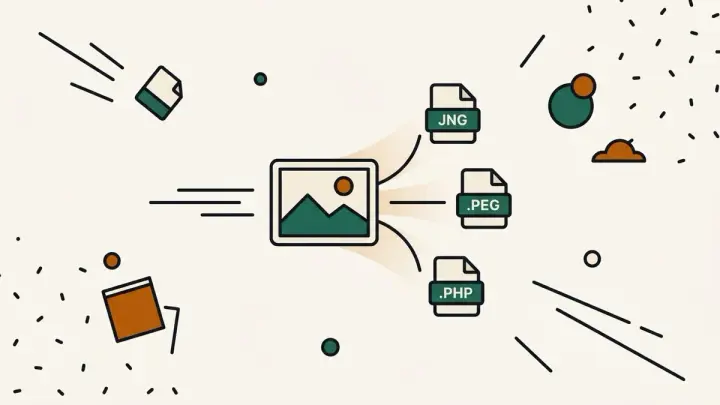
Convert images between PNG, JPEG, WebP, and AVIF entirely in your browser — no upload, no daily conversion limit, with a live before/after file size comparison.
How it works
- Upload or drag in an image
- Pick the output format — AVIF only shows if your browser supports it
- Compare the new file size against the original and download
Frequently asked questions
Is my image uploaded to a server?
No — conversion happens entirely in your browser using the Canvas API. Your image never leaves your device.
Does AVIF always show up as an option?
Only if your browser supports encoding AVIF via the Canvas API. If it doesn't, the AVIF option is automatically hidden and a note explains why.
Can I convert many images at once?
This tool is built for converting and comparing one image at a time. For bulk processing, use a dedicated batch image tool instead.
Which format should I pick?
WebP and AVIF usually give the best quality-to-size ratio for photos. PNG is better for logos, icons, or images with sharp edges and transparency. Compare the live file size after converting to decide.
Related tools
From the blog
Update history
- 2026-09-20 Launched: client-side canvas image format converter (PNG/JPEG/WebP/AVIF with feature detection) with live before/after file-size comparison, no upload.