Before building our Hidden Unicode / AI Prompt Scanner, we checked two existing tools directly and read the actual security research behind why this category matters more than it used to.
This isn't a hypothetical risk anymore
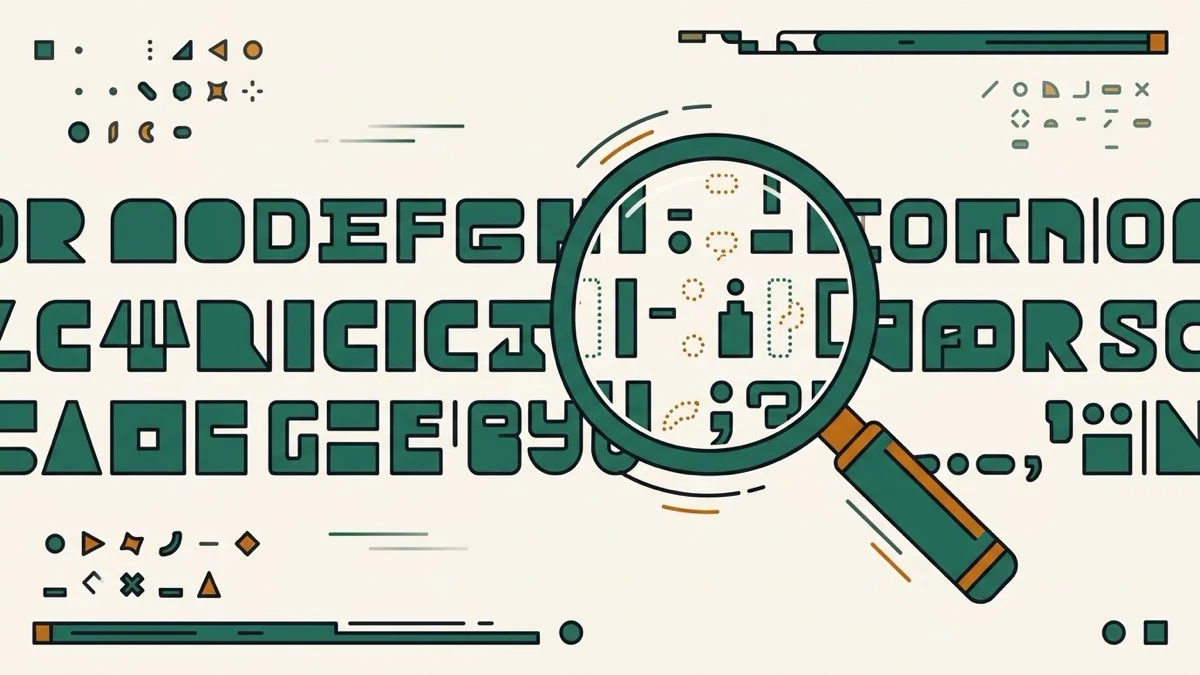
We went to the source: the Cloud Security Alliance's 2026 research note "Hidden Unicode Instruction Injection in AI Agent Skills" documents exactly how the Unicode Tags block (U+E0000–U+E007F) and bidirectional override characters get embedded inside AI agent tool descriptions, skill files, and MCP server metadata — invisible in every standard interface, but read and obeyed by the underlying model. That's a real, documented attack surface, not a theoretical one.
A checker that never mentions the thing it's most useful for
We checked invisiblecharacterviewer.com directly — it's genuinely live and shows the name and code point of every character it finds, which is good. But its own FAQ only asks whether invisible characters can bypass AI detectors; it never addresses the injection risk to AI agents and MCP servers documented above. If you're specifically trying to check whether a skill file or tool description is safe to install, that context is exactly what's missing.
Every character gets treated the same — and it shouldn't
We also checked agenticworkers.com's hidden character detector — despite the name, it requires clicking "Analyze," not live scanning. More importantly, like most tools in this category, it lists whatever it finds without separating what's actually dangerous from what's a harmless copy-paste artifact. A stray non-breaking space and an invisible instruction hidden in the Unicode Tags block are not the same problem. This tool flags the categories with documented injection use — Unicode Tags and bidi overrides — as High risk, and leaves common characters like zero-width space, NBSP, and BOM as Low, so you know at a glance what actually needs your attention.