Color Shade Generator
HSL (traditional)
OKLCH (perceptually uniform)
Click any swatch to copy its HEX value.
Generate a lighten/darken scale from any color two ways at once — traditional HSL, and perceptually uniform OKLCH — shown side by side, so you can actually see why HSL's brightness steps look wildly inconsistent from one hue to the next (yellow and blue at identical HSL lightness differ in real brightness by about 13x).
How it works
- Pick a color, or type a hex code
- An HSL-based scale and an OKLCH-based scale render side by side, both from the same base color
- Click any swatch to copy its hex value
Frequently asked questions
Why do the HSL and OKLCH scales look different?
HSL's lightness value isn't perceptually uniform — yellow (HSL 60°) and blue (HSL 240°) at the identical 50% lightness actually differ in real brightness (WCAG relative luminance) by roughly 13x. OKLCH is designed to fix this: equal L values look similarly bright regardless of hue.
Which one should I use?
If consistent perceived brightness across different hues matters (a design system's color scale, for example), use OKLCH. If you need compatibility with an existing HSL-based codebase, use HSL.
Can I use oklch() directly in CSS?
Yes — it's part of the CSS Color Level 4 spec, supported in current versions of Chrome, Safari, and Firefox.
Is my color sent to a server?
No — every calculation runs entirely in your browser.
Related tools

From the blog
Update history
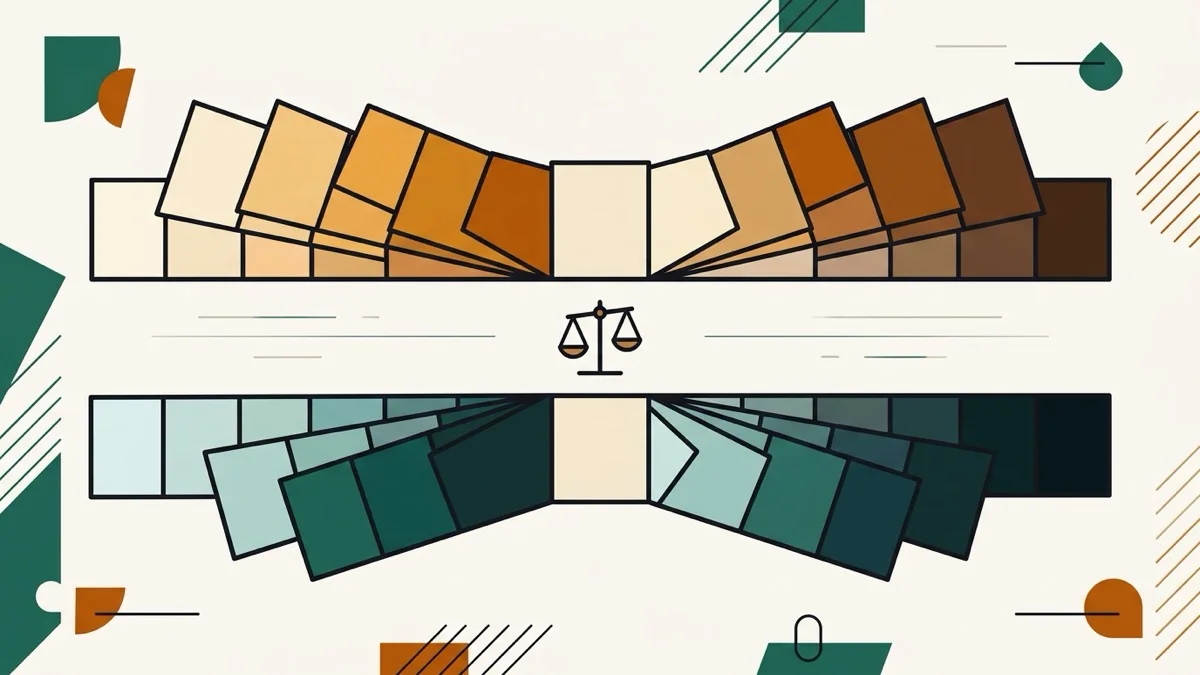
- 2026-08-30 Added: a cover image (two color-swatch scales fanning out symmetrically from a shared base color, with a balance-scale icon between them) — used as the card thumbnail, social share image, and blog title image.
- 2026-08-30 Launched: live color shade generator (no button) — HSL and OKLCH lighten/darken scales shown side by side from the same base color, with FAQ explaining HSL's real perceptual-uniformity gap (verified directly: yellow vs blue at identical HSL lightness differ in relative luminance by ~13x). Entirely client-side.