MD5 Hash Generator
Don't use MD5 for passwords. It has no salt and is fast to brute-force — use bcrypt or Argon2
for password storage instead. MD5 here is for checksums and file-integrity checks only.
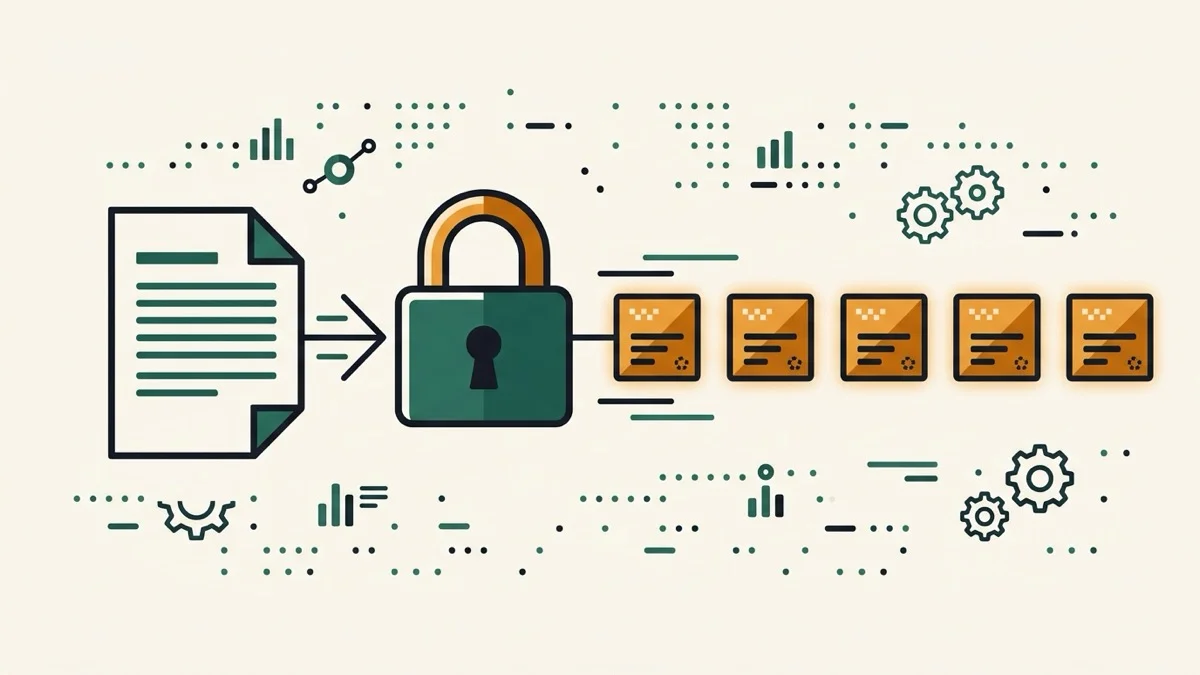
Generate an MD5 hash from text or a file live, entirely in your browser — for checksums and file-integrity checks only, never for password storage.
How it works
- Type text, or switch to the File tab and choose a file
- The MD5 hash updates live below — no button, and files are hashed locally, never uploaded
- Copy the hash or download it as a .txt file
Frequently asked questions
Can I use MD5 to hash passwords?
No. MD5 has no salt and is fast to brute-force, so it's unsuitable for password storage — use bcrypt or Argon2 instead. MD5 here is meant for checksums and file-integrity verification.
Can I hash a file?
Yes — switch to the File tab and pick a file. It's read and hashed entirely in your browser; it's never uploaded anywhere.
Does this update live?
Yes, no button to click — the hash recalculates as you type or as soon as a file is selected.
Related tools

From the blog
Update history
- 2026-08-30 Added: a cover image — used as the card thumbnail, social share image, and blog title image.
- 2026-08-29 Launched: live MD5 hashing (text and file, no button), file processed entirely in-browser (never uploaded), explicit warning against using MD5 for password storage.