Batch Image Processor
Images are only ever scaled down, never enlarged.
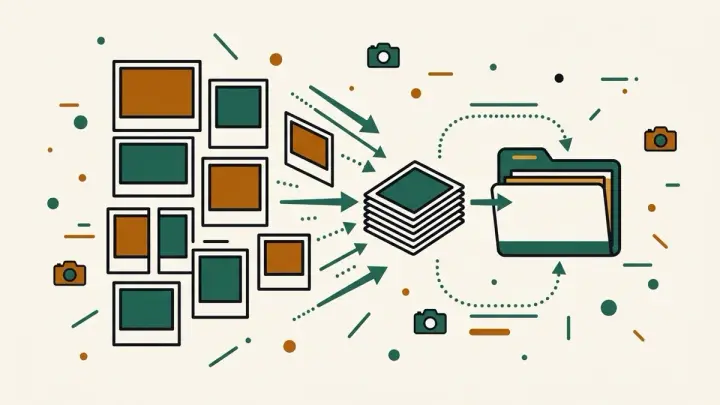
Resize and convert dozens of images at once, entirely in your browser — no upload, no account, no daily limit — then download them all as a zip or one by one.
How it works
- Drop in or select multiple images
- Pick exact dimensions or a max size to fit, plus an output format
- Download the results as a zip or individually
Frequently asked questions
Are my images uploaded to a server?
No — all processing happens in your browser using the Canvas API. Your images never leave your device.
How many images can I process at once?
There's no set limit. You can process as many as your browser's memory allows, with no account and no daily or monthly credit cap.
What's the difference between "Exact size" and "Fit within"?
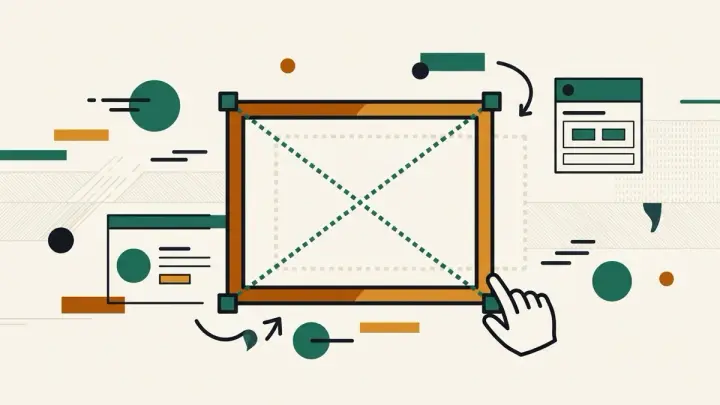
"Exact size" forces every image to the width and height you enter, which can stretch images with a different aspect ratio. "Fit within" keeps each image's original proportions and scales it down so its longer side matches your target size.
Do I have to download a zip file?
No — click "Download all as ZIP" for one archive, or use the individual download button under each processed image.
Which file formats are supported?
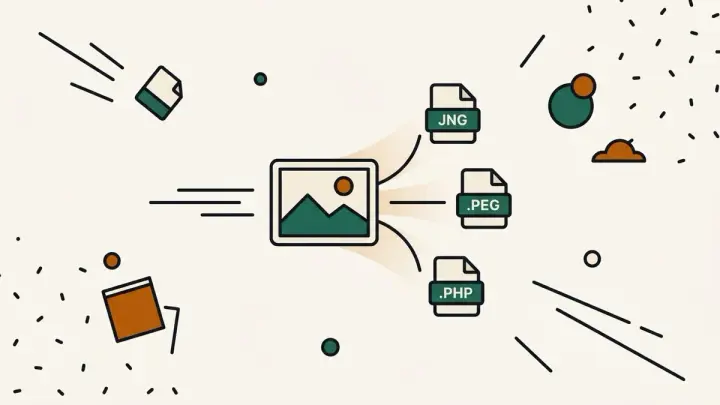
You can upload JPEG, PNG, or WebP images. For output, choose to keep the original format or convert everything to PNG, JPEG, or WebP.
Related tools
From the blog
Update history
- 2026-09-20 Launched: client-side batch image resizer + format converter (exact-size or fit-to-max modes, PNG/JPEG/WebP output) with a per-file before/after comparison table and a hand-rolled pure-JS STORE-method zip download, no upload.