Image Cropper
Crop an image right in your browser — drag to select the area, pick a preset ratio (1:1, 4:3, 16:9) or go freeform, and download. No upload limit, no watermark: your photo never leaves your device.
How it works
- Upload an image (drag and drop or file picker)
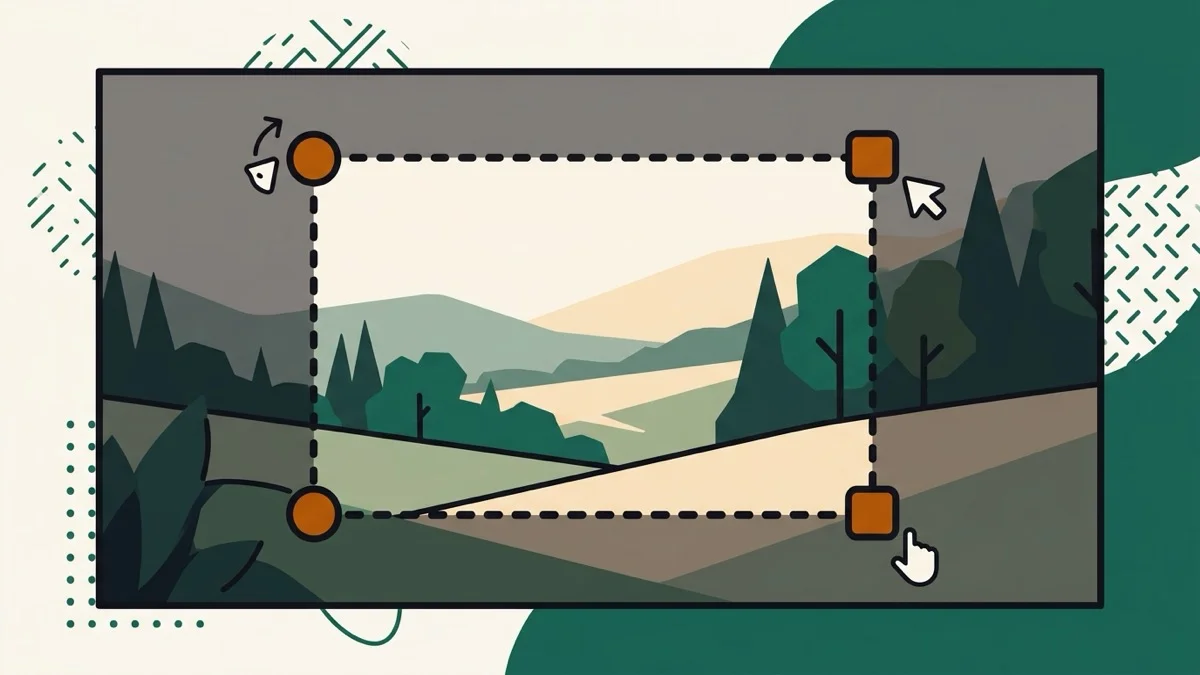
- Drag the crop box to the area you want, or pick a ratio preset
- Download the cropped result as PNG or JPG
Frequently asked questions
Does my photo get uploaded to a server?
No — cropping happens entirely in your browser using the Canvas API. The file never leaves your device or touches our servers.
Is there a daily limit on how many images I can crop?
No — since there's no server processing involved, there's no per-day limit.
Will there be a watermark on my cropped image?
No — the downloaded image contains only your cropped photo.
Related tools
From the blog
Update history
- 2026-09-09 Launched: browser-only image cropper (Canvas API, no upload) with freeform and 1:1/4:3/16:9 ratio presets.