PDF Merge
Drop PDF files here or choose files
Nothing is uploaded — files are merged in your browser.
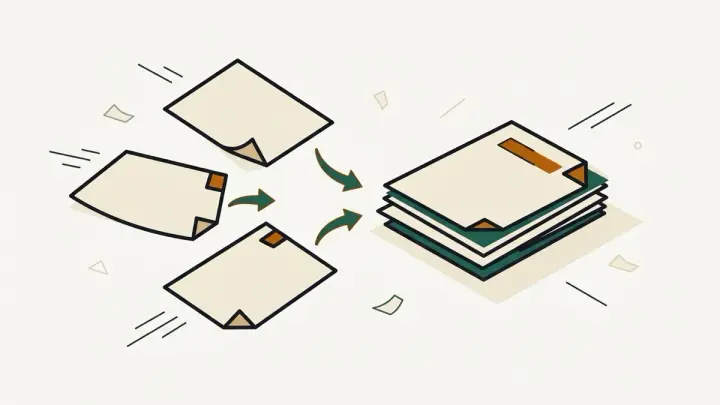
Combine several PDF files into one document in your browser. Drag to reorder, see each file's page count, and download the merged PDF. Files are never uploaded, there is no file-count limit from us, no watermark and no signup.
How it works
- Choose or drop two or more PDF files — each row shows its page count and size
- Drag rows (or use the arrow buttons) to set the order; remove any file you do not need
- Click "Merge and download PDF" to save merged.pdf, built entirely inside your browser
Frequently asked questions
Are my PDFs uploaded anywhere?
No. The merge runs in your browser with a PDF library loaded on the page, so the files never leave your device.
Is there a limit on files or a watermark?
There is no daily task limit, no watermark and no account. The practical limit is your device's memory — very large files (hundreds of MB combined) may be slow.
Why can't I merge a password-protected PDF?
Encrypted files cannot be read without the password. The row is flagged so you can remove the password in the app that created it and add the file again.
Will bookmarks and form fields survive the merge?
Pages, text, images and links on the page are copied. Document-level extras such as bookmarks (outlines) and interactive form logic are not carried over into the merged file.
How do I change the order?
Drag a row up or down, or use the arrow buttons, which also work on touch screens. Pages appear in the merged file in the order shown.
Does merging reduce quality?
No. Pages are copied as they are, not re-rendered, so text stays selectable and images are not recompressed.
Related tools


From the blog
Update history
- 2026-09-21 Launched: browser-based PDF merger with drag-reorder, per-file page counts, encrypted-file detection and one-click download — no upload, watermark or signup.