Comparisons of free PDF tools keep landing on the same two trade-offs. Smallpdf's free tier is described as among the most restrictive of the big names, at two tasks per hour and two per day, while iLovePDF's free version is ad-supported with a 25-file limit and, according to its own privacy policy, processes your files on its servers and deletes them within two hours. Neither is a problem for a one-off, but both get in the way when you merge often or the documents are sensitive.
Merge PDF files in your browser, with no upload
The PDF Merge tool reads your files with a library that runs inside the page, so nothing is sent anywhere. Drop your PDFs in, and each row shows the page count and file size so you can check the result before you merge. There is no watermark, no account and no daily task counter; the only real ceiling is your device's memory.
How to combine PDF files into one in the right order
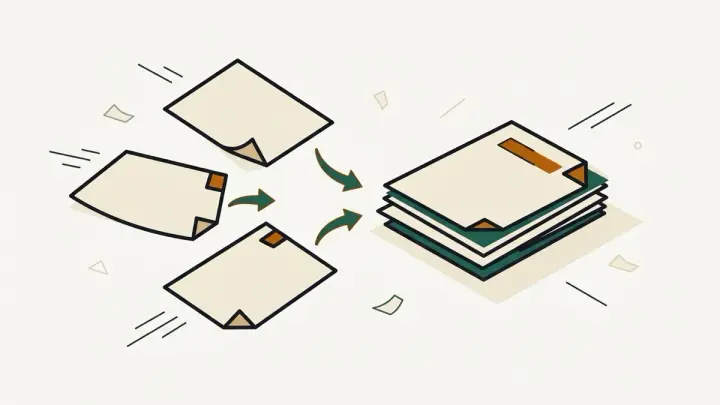
Order is where most merges go wrong. Drag a row to a new position, or use the arrow buttons if you are on a touch screen, and the merged file will follow the list from top to bottom. The summary line shows how many pages the final document will have, so a missing file is obvious before you download. Remove anything you added by mistake with the cross button.
Reorder PDF files before merging: what carries over
Pages are copied as they are rather than re-rendered, so text stays selectable and images are not recompressed. Document-level extras behave differently: bookmarks and interactive form logic from the source files are not carried into the merged document, so re-create a table of contents if you rely on one. If you only need to keep some pages from a source file, cut it first with the PDF Split tool.
Password-protected and damaged PDFs
A file protected with a password cannot be read without it. The tool flags that row with a message instead of failing the whole merge, and leaves the file out. Remove the password in the app that created the document, then add it again. Damaged files are flagged the same way.