Org Chart Template
One person per line. Indent a line (two spaces, or the buttons below) to make them report to the line above. Write Name | Title to add a job title. Several unindented lines make several top-level boxes.
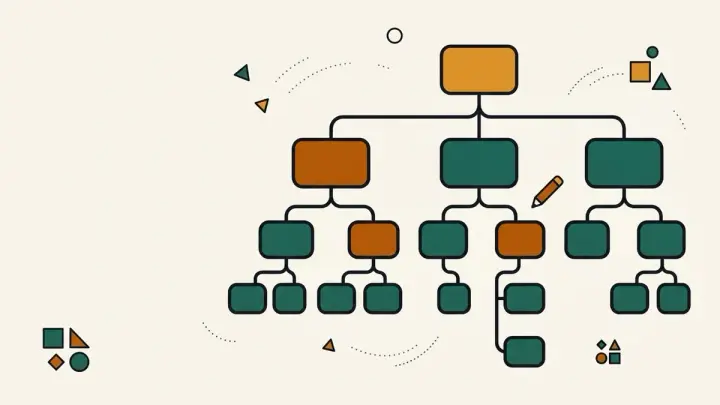
Type your team as an indented list and get a clean organization chart drawn instantly. Indent a line to make that person report to the line above, add a job title after a bar, and print the chart as a PDF or download it as an SVG. No box limits, no signup, no watermark, and nothing is uploaded.
How it works
- Type or paste one person per line, indenting (two spaces or the indent buttons) to show who reports to whom, and add "| Title" for a job title
- Watch the chart update; boxes shrink text to fit and long names are shortened with a tooltip for the full text
- Click "Print / Save as PDF" (wide charts print landscape) or "Download SVG" for an editable vector file
Frequently asked questions
How do I show who reports to whom?
Indent the line. A person indented under another person reports to them, and people at the same indent are peers. Use two spaces, or the Indent and Outdent buttons.
How do I add job titles?
Write the name, a vertical bar, then the title, for example Ana Silva | Head of Sales. Lines with no bar show just a name.
Is there a limit on the number of boxes?
No fixed free-tier limit like many online tools have. Charts above about 300 boxes become unreadable, so the tool asks you to split them.
Can I edit the chart in another program?
Yes. Download SVG gives you a vector file that opens in Figma, Illustrator, Inkscape and most slide tools.
Can I have more than one top-level box?
Yes. Every unindented line starts its own tree, drawn side by side, which suits a chart with co-heads or several departments.
Is my team data uploaded?
No. The chart is drawn in your browser and disappears when you close the tab. Copy the outline text if you want to keep it.
Related tools



From the blog
Update history
- 2026-09-21 Launched: text-outline org chart maker — indentation defines reporting lines, auto-fit SVG boxes, landscape-aware print-to-PDF and SVG download, no box limit, signup or watermark.