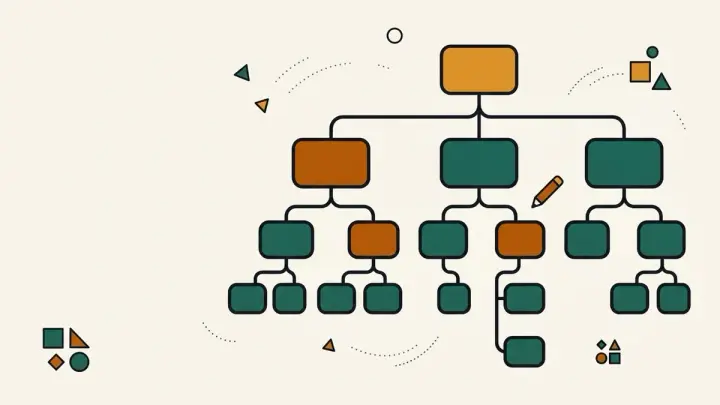
Comparisons of free org chart makers surface the same frustrations. Lucidchart's free plan is described as good software behind aggressive limits: three documents and 60 shapes per document, which a mid-sized company chart can exceed before it is finished. Canva's free exports can become watermarked if you use a premium element, sometimes without noticing, and Miro's free exports are reported as low resolution. The Org Chart Template avoids those traps by treating the chart as plain text.
Free org chart maker with no signup
There is no account and no free-tier ceiling on boxes. Type or paste your team into the box on the left and the chart is drawn straight away in your browser. Nothing is uploaded, and the page keeps working the same for a team of five or a department of a hundred, up to about 300 boxes before a single chart stops being readable.
Org chart maker from text: how the outline works
Write one person per line. Indent a line by two spaces, or press the Indent button, to make that person report to the line above. People at the same indent are peers. Add a job title after a vertical bar, for example Ana Silva | Head of Sales. Several lines with no indent create several top-level boxes side by side, which suits a chart with co-heads. If you already keep the structure in a document or spreadsheet, you can paste it in and adjust the indentation.
Create an organizational chart online, free, and keep it editable
The chart is drawn as an SVG, a vector format, so it stays sharp at any size. Boxes shrink their text to fit and shorten very long names with a full-text tooltip. Download SVG opens in Figma, Illustrator, Inkscape and most slide tools if you want to restyle it later, and Copy outline saves the text so you can rebuild the chart when the team changes.
Org chart template PDF, printable and watermark-free
Choose Print / Save as PDF and pick Save as PDF as the destination. Wide charts switch to landscape automatically, and the text stays selectable in the file. There is no watermark, because there is no upsell to remove one. Planning the rest of the company paperwork? Try the Business Plan Template.