Before building our Base64 encoder/decoder, we compared the most-referenced tools for base64 encode and base64 decode against each other — and found they're not even the same tool.
base64 decode online — with ads above the result
A comparison review of these tools notes that base64decode.org "has Google ads at the top and no file support." You paste a string, scroll past an ad, and get text back — but never a file. Our tool keeps the input, the toggle, and the result in one card with nothing sold around it, and it handles files in the same page.
Why encode and decode are two different sites
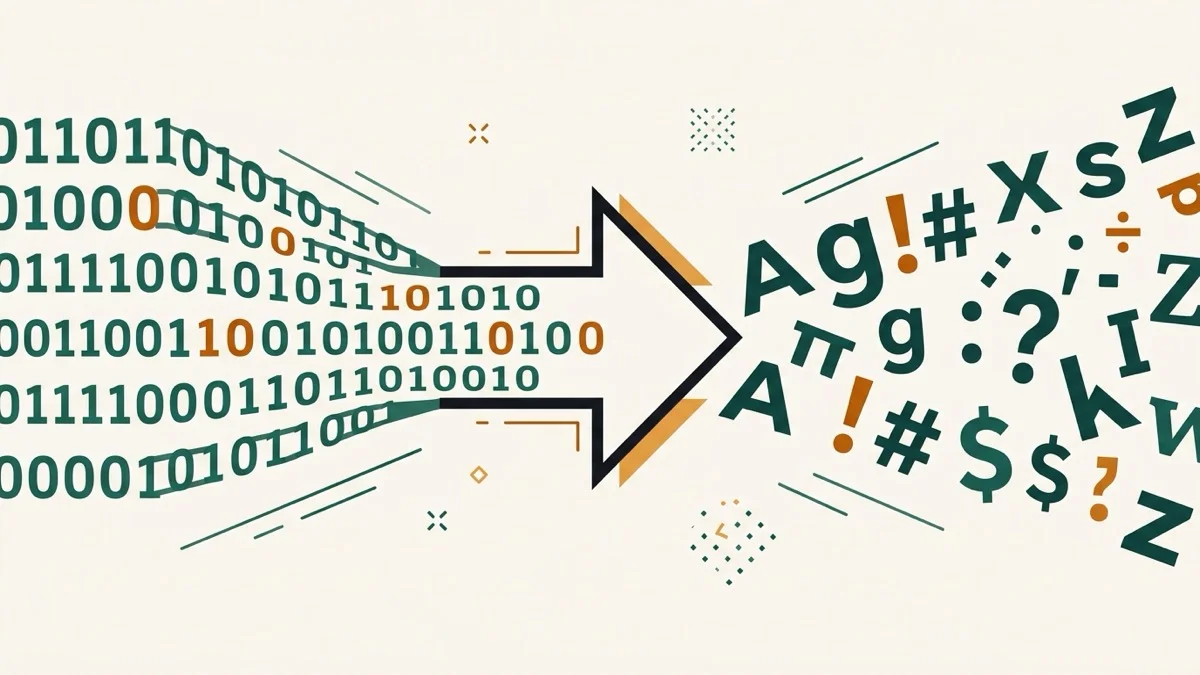
base64encode.org and base64decode.org are literally separate domains. If you're not sure which direction you need — a common situation when you're debugging something someone else generated — you have to guess right or switch sites. We put both directions behind a single toggle: Encode (text → Base64) or Decode (Base64 → text), same page either way.
base64 to image, without garbled text
Search interest for "base64 to image" is real — plenty of dedicated tools exist just for this. Most generic encode/decode tools don't handle it well: force base64 image data through a text decoder and you get garbled characters or a silent failure, because image bytes usually aren't valid text. Ours checks the decoded bytes' binary signature first — PNG, JPEG, GIF, and WebP are each detected from their file header — and shows an actual image preview instead of trying to force it into text.
url safe base64, both ways
Standard Base64 uses + and /, which break inside URLs and query strings. Our URL-safe toggle swaps those for - and _ on encode, and converts them back (padding restored) on decode — so a URL-safe string round-trips correctly instead of just failing to decode.