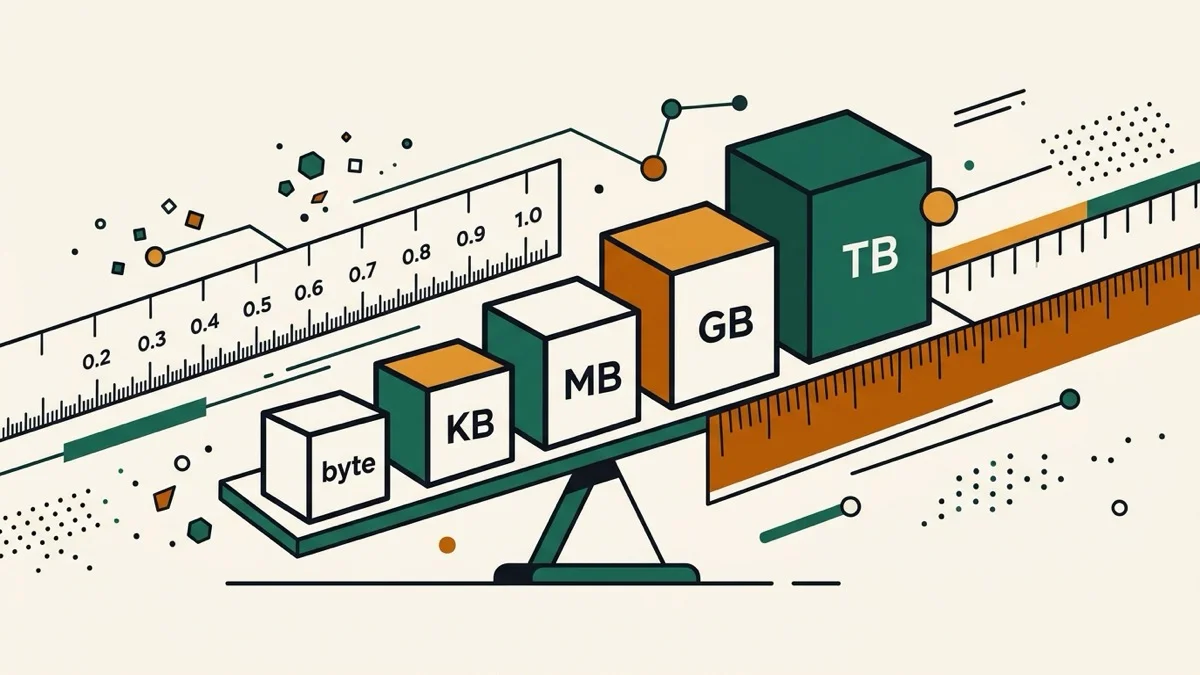
Plug in a drive labeled "500GB" and your computer says 465GB free — before you've saved a single file. Nothing is missing. Two different definitions of "gigabyte" are colliding, and most data size converters only show you one of them.
Decimal vs binary storage converter — the actual reason
Drive manufacturers use the decimal (SI) definition: 1 GB = 1,000,000,000 bytes — it's the internationally standardized meaning of "giga," and it also happens to make the number on the box bigger. Operating systems traditionally report the binary (IEC) definition: 1 GiB = 1,073,741,824 bytes, but many still label it "GB" on screen. A 500,000,000,000-byte drive really is about 465 GiB. Both numbers are correct; they're just not the same unit wearing the same name.
GB vs GiB difference, shown at the same time
Instead of forcing you to pick decimal or binary before you even see a result, this converter calculates both the moment you type a number, side by side, with the reason they differ written right underneath — no separate lookup, no toggle to remember to flip.
Bytes to GB converter that also does KiB, MiB, GiB
Bit, byte, KB/KiB, MB/MiB, GB/GiB, and TB/TiB are all supported in both directions — useful when a spec sheet quotes one system and your OS reports the other.