Data Size Converter
Decimal (SI, 1000-based) and binary (IEC, 1024-based) are different scales with the same nicknames — that's why a "500GB" drive can show up as 465 in your OS.
Decimal (1000-based)
Binary (1024-based)
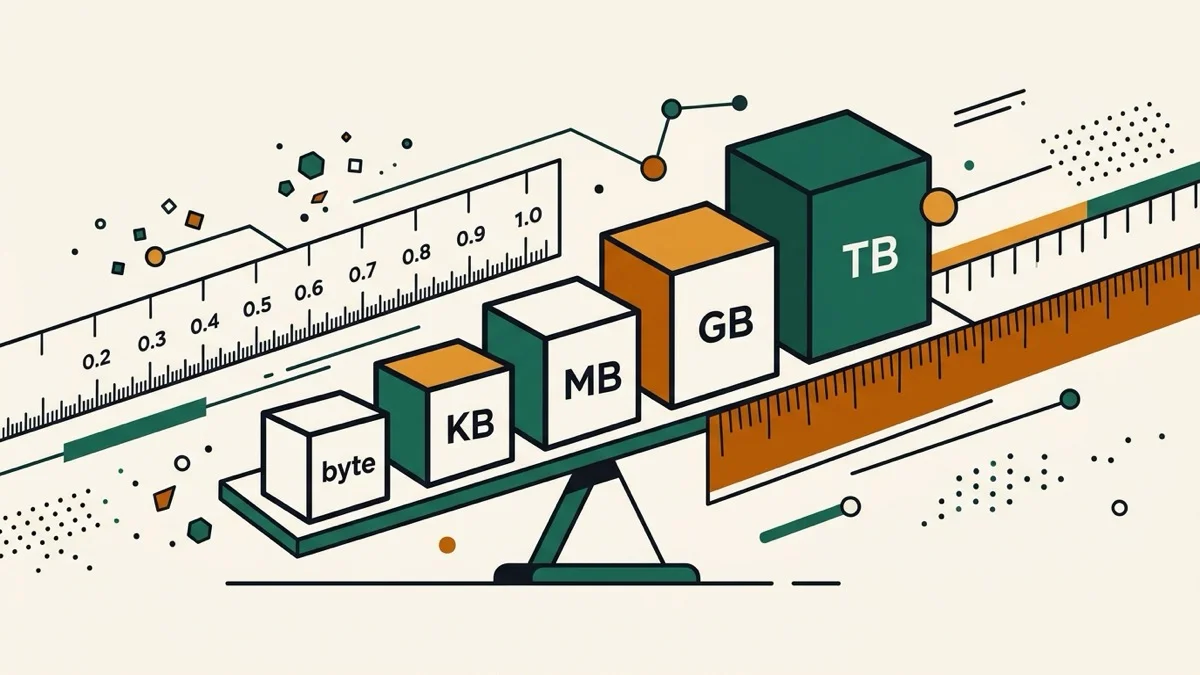
Convert between bits, bytes, KB, MB, GB, and TB — with decimal (1000-based) and binary (1024-based, KiB/MiB/GiB) values shown side by side, so you can see exactly why your "500GB" drive shows up as 465 in your OS.
How it works
- Enter a number and pick a starting unit
- See the equivalent value in every other unit instantly
- Decimal (SI, 1000-based) and binary (IEC, 1024-based) values are shown side by side, with a note on why they differ
Frequently asked questions
Why does my 500GB drive show less space in my computer?
Drive manufacturers use the decimal definition (1 GB = 1,000,000,000 bytes), while operating systems traditionally report the binary definition (1 GiB = 1,073,741,824 bytes) but often still label it "GB". A 500,000,000,000-byte drive is about 465 GiB — nothing is missing, it's just two different units with the same nickname.
What's the difference between KB and KiB?
KB (kilobyte) is the decimal/SI unit: 1,000 bytes. KiB (kibibyte) is the binary/IEC unit: 1,024 bytes. They're often used interchangeably in casual speech, but they're not the same number.
Is this the same everywhere in the world?
Yes — the decimal/binary byte definitions are set by international standards (SI and IEC 80000-13), not by any single country.
Related tools

From the blog
Update history
- 2026-09-09 Launched: bit/byte/KB/MB/GB/TB converter showing decimal (1000-based) and binary (1024-based, KiB/MiB/GiB) values side by side.