Before building our Bionic Reading converter, we checked the official web app and a specific paid-user complaint about a Bionic Reading mobile app.
A bionic reading generator, free, with no premium tier
The official bionic-reading.com web app describes itself as offering "a free version and the possibility for upgrades" — meaning some capability sits behind a paid plan. Everything in this tool, including all three intensity levels, is free with no upgrade prompt anywhere.
Every word, not one in five
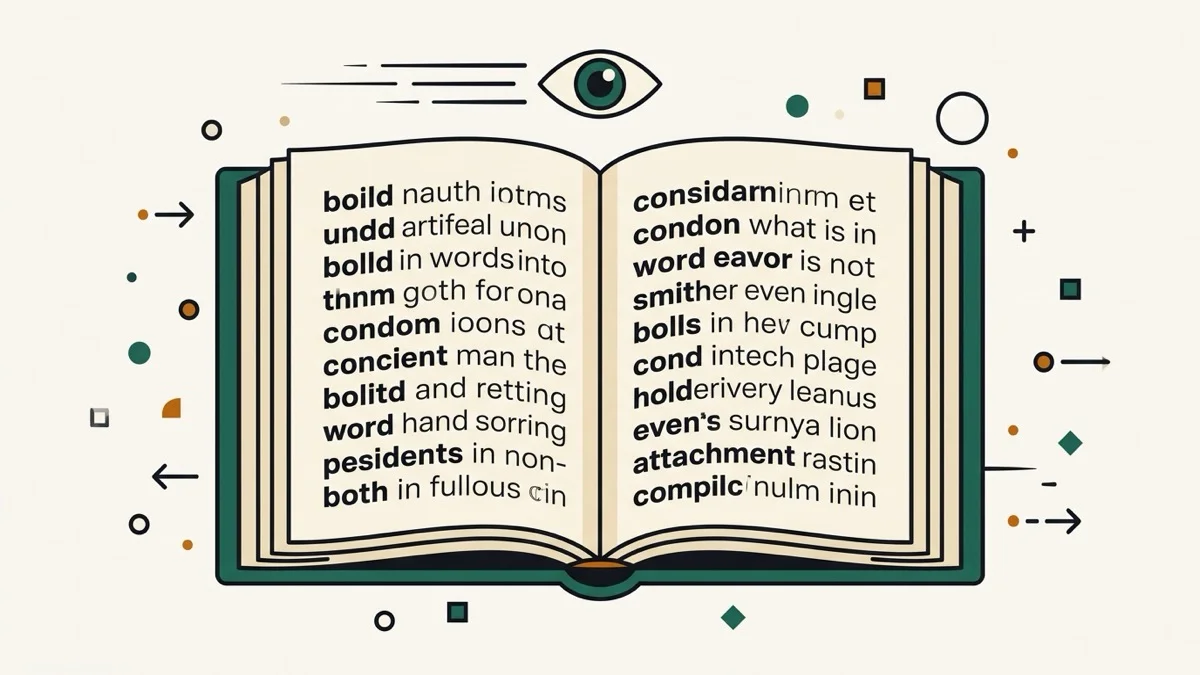
A specific App Store complaint stood out: a user who paid for the Pro plan reported that converting an EPUB only bolded roughly one word in five, leaving most of the text in plain font. We tested our own converter directly by counting: a 30-word sample produced exactly 30 bold tags, one per word, with none skipped.
Bionic reading online with no signup, live as you type
A separate free tool we checked requires clicking a "Convert" button — editing your text means clicking it again each time. Ours updates the moment you type, no button and no account.
Copy bionic reading text formatted, not just plain
Most free versions of this kind of tool don't say whether the bold survives a copy-paste. Ours has a dedicated "Copy formatted" button that preserves the bold when pasted into Gmail, Docs, or Word — with a plain-text copy button alongside it for anywhere that strips formatting anyway.