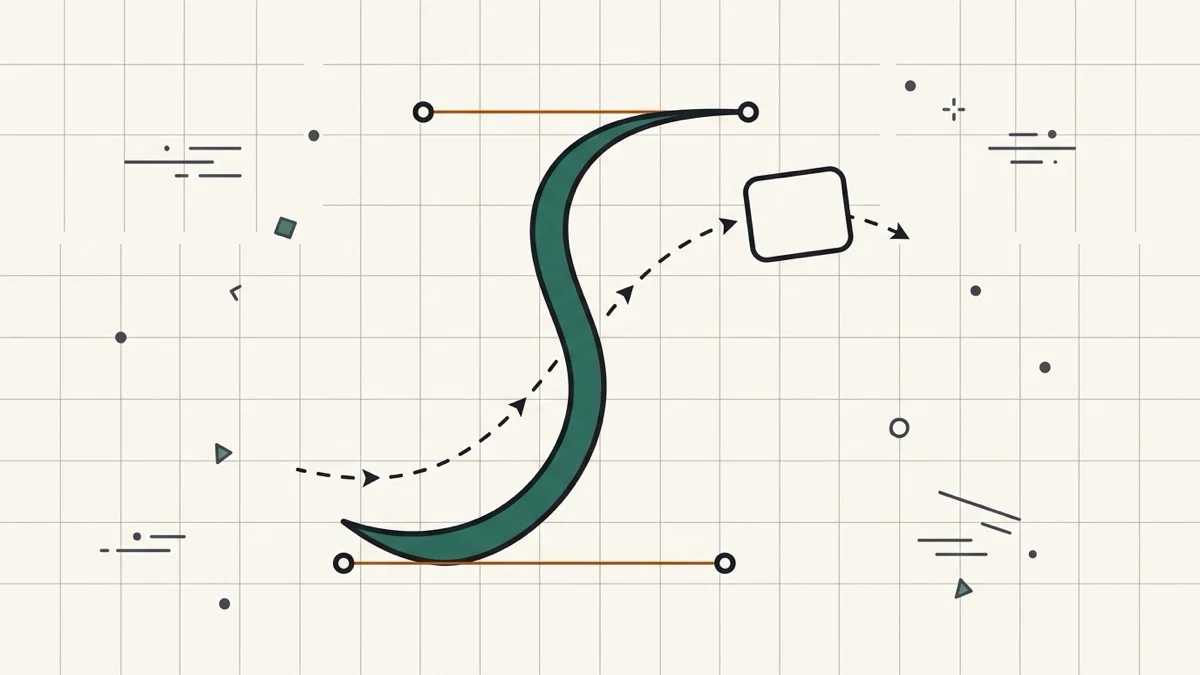
Before building Cubic Bezier Generator, we opened a well-known, widely bookmarked cubic-bezier editor (cubic-bezier.com) and inspected its DOM directly.
We counted every input on the page. There were 4.
Running document.querySelectorAll('input') in the console turned up exactly four: a hidden text field used as a copy-to-clipboard buffer, two more copy-format buffers, and a duration slider for the preview. Not one of them lets you type P1x, P1y, P2x or P2y directly — the only way to set the curve's 4 coordinates is dragging two points on a graph with a mouse.
An abstract dot doesn't tell you how it'll feel
The preview is two small colored squares sliding along their own tiny tracks. It's a fine way to compare two curves side by side, but it doesn't show what the easing will actually feel like applied to a button or a card in a real layout.
Only 5 presets, when a much bigger reference set exists
The built-in library has exactly 5 curves: ease, linear, ease-in, ease-out, ease-in-out. The widely used easings.net reference defines dozens more named curves — easeInOutBack, easeOutExpo, and the rest — but you have to already know (or look up) their coordinates and type the raw string yourself, since the editor's own graph won't let you type numbers at all.
What this tool does differently
All 4 coordinates are plain number inputs alongside the draggable graph — type an exact value instead of eyeballing a drag. It ships with 24 named presets across 8 easings.net families (Sine, Quad, Cubic, Quart, Quint, Expo, Circ, Back), each with In/Out/InOut variants. Elastic and Bounce are deliberately left out: they're multi-segment curves that can't be represented by a single cubic-bezier() value, so including them would mean shipping an inaccurate approximation. And a real card element animates across a track when you hit Play, instead of an abstract moving dot.