Cubic Bezier Generator
Drag the curve or type exact numbers into 4 coordinate fields — checked directly, a popular cubic-bezier tool has zero number inputs anywhere, mouse-drag only. Includes 24 named easings.net presets (Sine/Quad/Cubic/Quart/Quint/Expo/Circ/Back) beyond the usual 5 basics, and a real card UI you can play to feel the motion instead of watching an abstract dot.
How it works
- Drag the curve or type exact values into the 4 coordinate fields — the preview updates instantly
- Pick a named preset (24 easings.net families beyond the basic 5) to fill all 4 values at once
- Hit Play to watch a real card animate with the curve, then copy the CSS
Frequently asked questions
Can I type exact coordinate values instead of dragging?
Yes — P1x, P1y, P2x and P2y each have their own number input. We checked a popular competitor directly: it has zero number inputs anywhere on the page, dragging the graph is the only option.
Why isn't there an Elastic or Bounce preset?
Those are multi-segment curves — they genuinely can't be represented by a single cubic-bezier() value, so we left them out rather than ship an inaccurate approximation. The 24 presets here (Sine, Quad, Cubic, Quart, Quint, Expo, Circ, Back — each In/Out/InOut) are all mathematically exact single-curve easings.
Why a card animation instead of a moving dot?
An abstract dot doesn't tell you much about how an easing will actually feel on a button or modal. Playing the curve on a real card-shaped element gives a much more honest preview.
Is any data sent to a server?
No — everything runs entirely in your browser.
Related tools


From the blog
Update history
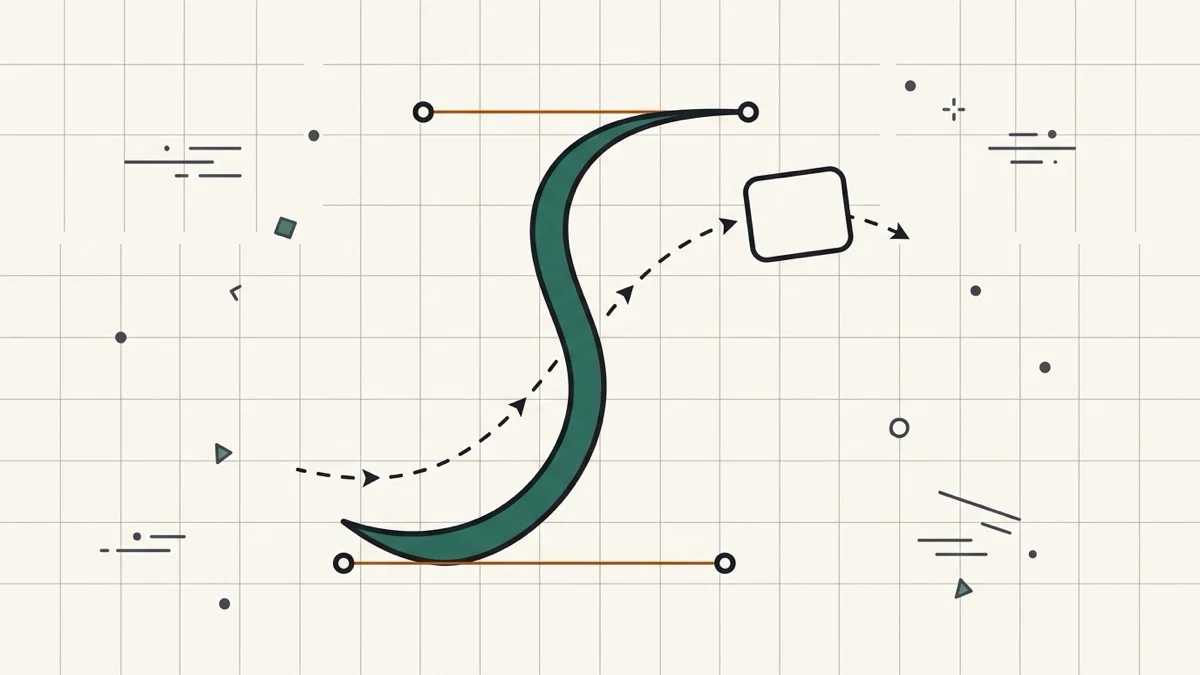
- 2026-08-31 Added: a cover image (an S-shaped bezier curve on a graph with control-point handles, a card mid-flight along a dashed motion path) — used as the card thumbnail, social share image, and blog title image.
- 2026-08-31 Launched: live cubic-bezier generator (no button) — drag-or-type curve editor (4 coordinate number inputs), 24 named easings.net presets beyond the basic 5, and a real card-UI play preview instead of an abstract moving dot (verified a popular competitor has none of the three). Entirely client-side.