Open a PDF's properties panel in almost any reader and you'll sometimes find a company name, a former employee, or an old project codename sitting in the Author or Title field — left over from whichever app first created the file, long before it was ever meant to be shared. This is a smaller, quieter problem than merging or splitting files, and it shows in the tooling: neither Smallpdf nor iLovePDF offers a dedicated metadata editor in their free tool lineups, according to feature comparisons of the two services — at best, metadata gets silently rewritten as a side effect of an unrelated operation like compressing or merging. Adobe Acrobat can edit document properties, but that capability sits in the paid desktop app rather than the free web tools, per comparisons of Acrobat's tiers. Server-based tools that do offer it, like PDF24, ask you to upload the file first — awkward when your reason for editing metadata is privacy in the first place.
View a PDF's existing metadata instantly
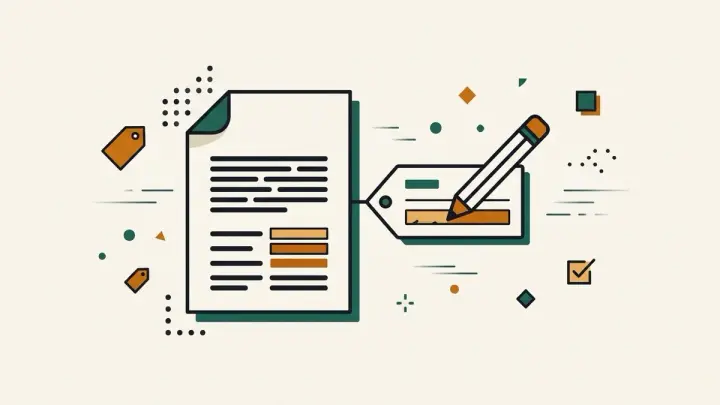
Drop a file in and its Title, Author, Subject and Keywords fields load straight into an editable form, along with a read-only Created date if the file has one. No dedicated "view metadata" step is needed first — you see what's there and can change it in the same screen.
Remove a PDF author name for privacy before sharing
Blank out the Author field (or any of the other three) and download — the file that comes back has that field genuinely empty, not just hidden in the reader you happen to be using. "Clear all metadata" does all four fields in one click, useful when you'd rather not leave any trace of how or where the document was originally created.
Add a proper title so your PDF doesn't just show a filename
Many PDF readers and search results fall back to showing the raw filename — "Untitled-final-v3.pdf" — when a document's Title field is empty. Filling it in with something real is a small, permanent fix for a document you're publishing or sending out professionally, and it takes the same amount of effort as clearing a field does.
What this tool does not touch
This edits the four fields most PDF viewers surface directly: Title, Author, Subject and Keywords. Some PDFs carry other metadata — details about the software that created them, for instance — that this tool leaves alone, since it isn't shown in the fields above and isn't the kind of thing most people mean by "PDF metadata" day to day.
Try the PDF Metadata Editor → · Stamping a watermark on the same file? See the PDF Watermark Adder.
Sources: PDF Techno, "iLovePDF vs Smallpdf vs PDFTechno" comparison (2026); ihatepdf, "ihatepdf vs iLovePDF vs Smallpdf vs Adobe" comparison (2026), on Acrobat's free-vs-paid feature split.