Most online converters can turn a JPG into a PDF; the differences show up in the details. Free tiers quote limits like 30 pages or 5 MB and a few tasks per hour, some ask you to upload your photos, and the choices for page size and margins vary from one site to the next. If the images are scans of documents, keeping them on your own device matters as well.
Combine multiple images into one PDF
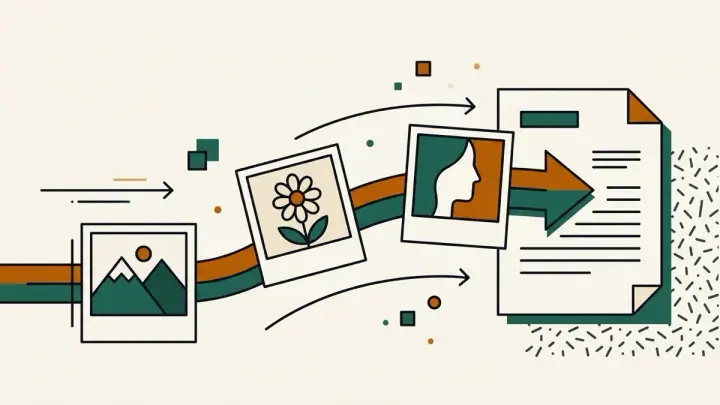
Drop as many images as you like into the Images to PDF tool. Each one becomes a page, with a thumbnail, its pixel size and its page number so you can see the sequence at a glance. Drag rows to reorder them, or use the arrow buttons on a touch screen, and remove anything that should not be there.
JPG to PDF on A4 with margins
Pick A4 or US Letter and the image is scaled to fit inside the page, centred, with a margin from 0 to 30 mm that you set with a slider. Orientation can follow each image, so a landscape photo gets a landscape page, or you can force portrait or landscape for every page. Prefer no white space around the picture? Choose the option that matches each image's shape, which sizes the page to the image with a long side equal to A4.
Convert photos to PDF without losing quality
JPG and PNG files are embedded as they are, byte for byte, so nothing is recompressed and the PDF is not much larger than the source images. Phone photos carry a rotation flag; the tool reads it and turns photos upright before placing them, which avoids the sideways pages many quick converters produce. Formats a PDF cannot embed directly, such as WebP, GIF and BMP, are converted to high-quality JPEG first.
PNG to PDF offline in your browser
Everything happens on the page: there is no upload, no watermark and no account, and it keeps working without a server once the page has loaded. Each image gets its own page in this version, so if you want to combine the result with other documents, use the PDF Merge tool afterwards.