Before building our SHA-256 hash generator, we checked two existing tools directly — one very popular, one with a notably mixed rating.
Live by default, text and file on one page
We checked emn178's SHA-256 tool directly: live updating requires turning on an "Auto Update" setting first, and file hashing lives on a separate page entirely. Ours updates the moment you type, with text and file hashing on the same page behind a tab switch.
Where does your input actually go?
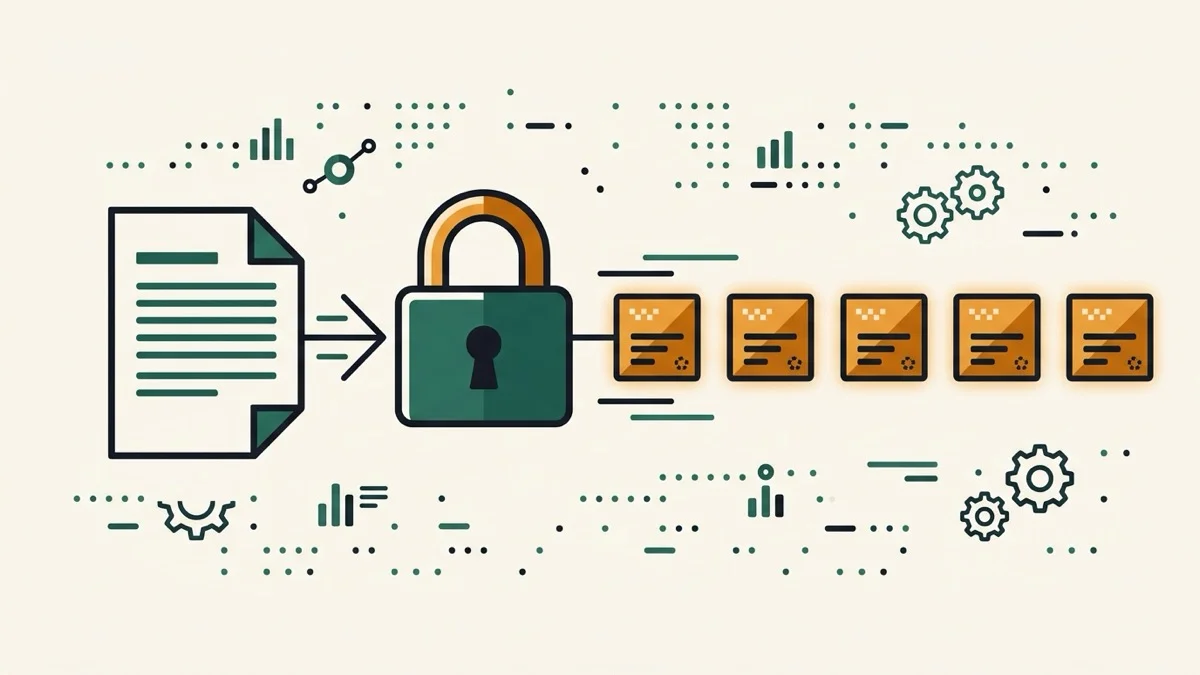
hash.online-convert.com sits at a 3.0-out-of-5 rating from nearly 1,900 votes, and it's easy to see why: it uses Start/Stop buttons instead of live results, and nowhere on the page does it clarify whether your input is hashed locally or sent to a server. For a tool that people use to check API keys, tokens, or config values, that's a real gap. This tool states it plainly: hashing runs through your browser's own Web Crypto API, and nothing is ever transmitted anywhere.
SHA-256, still not for passwords
Like the other hash generators in this collection, a raw SHA-256 digest has no salt or key-stretching — it's not a substitute for bcrypt or Argon2 if you're storing passwords. This tool is meant for checksums, not credential storage.