Before building our URL encoder/decoder, we checked what a couple of existing tools actually do by default, plus a common implementation mistake in this category.
Live from the first keystroke, not after a toggle
We checked urlencoder.org directly: it has a "Live mode" option you have to turn on yourself — the default behavior isn't live. Ours updates the moment you type, with nothing to switch on first.
encodeURIComponent vs encodeURI, without guessing which one you need
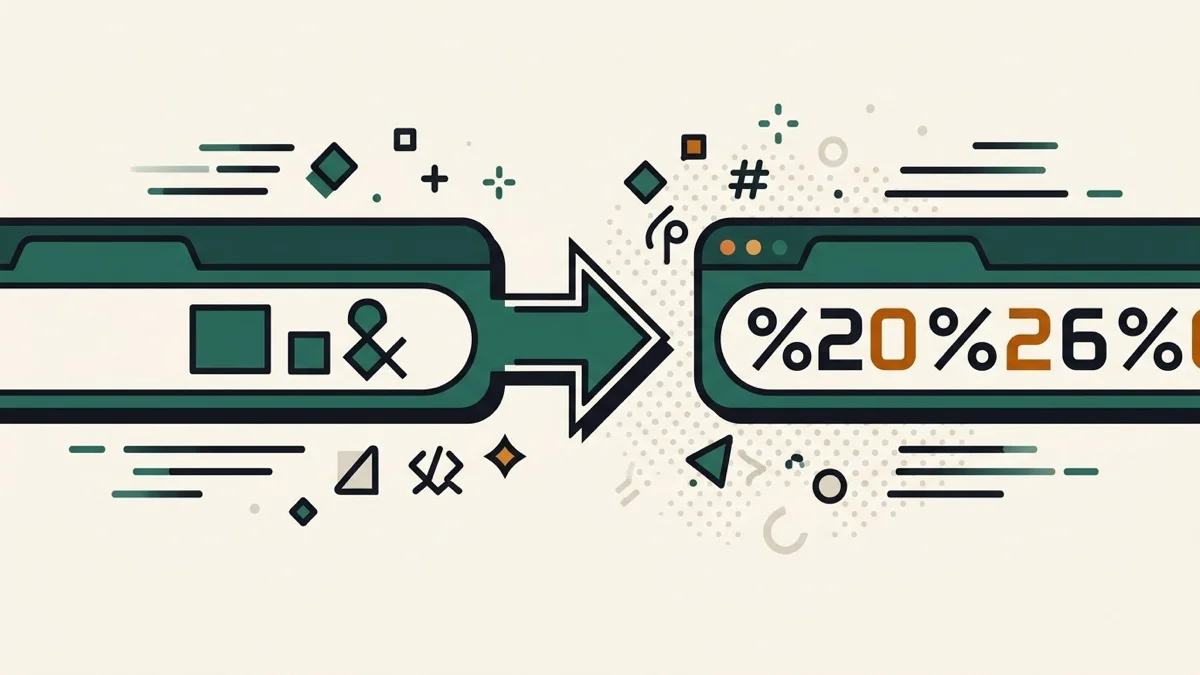
Neither tool we checked distinguishes between encoding a single query parameter value and encoding a full URL — two genuinely different operations that produce different results for characters like &, =, and ?. Ours has an explicit toggle between "Component" (encodeURIComponent, for a query value) and "Full URL" (encodeURI, which leaves URL-structure characters alone), with a plain-language explanation of the difference.
Decode malformed URLs safely — no raw JavaScript error
A lot of simple URL decoders are thin wrappers around JavaScript's decodeURIComponent, which throws a URIError on something as small as a stray "%" that isn't followed by two hex digits. We reproduced this directly. Ours catches that error and tells you in plain language what's wrong, instead of leaving a blank output box or an uncaught exception.
No ads, no cookie-based tracking to personalize them
One of the tools we checked mentions cookies used for "content/ads personalization" — confirming ads are part of the free experience. This tool has none.