Text Glitch Effect Generator
Font is under 40px — the glitch offset may be hard to notice. Try a bigger size.
Free CSS glitch text generator with three effect types (RGB-split color, noise, transform), adjustable intensity and speed, and one-click code copy — a popular competitor (CSS Portal) has no copy button and no speed/intensity control at all. It also respects accessibility: toggle 'Reduce motion' to preview the static look, and every copied snippet includes its own prefers-reduced-motion media query, which we checked and found missing from every competitor we reviewed.
How it works
- Type your text, pick colors, and choose an effect type (Color, Noise, or Transform)
- Adjust intensity and speed sliders — the live preview updates instantly
- Copy the generated HTML + CSS with one click; it already includes a prefers-reduced-motion media query
Frequently asked questions
Does this respect accessibility settings like reduced motion?
Yes — toggle "Reduce motion" to switch to a static (non-animated) look in the preview, and the copied CSS itself includes a prefers-reduced-motion media query that automatically disables the animation for anyone with that OS setting on. We checked several competing generators directly and found none that handle this.
Why doesn't the glitch effect look right on my text?
The effect relies on visible pixel offsets, so very small font sizes make it hard to see. We show a warning below 40px font size instead of silently rendering a flat, ineffective result.
Do I need to log in or does this cost anything?
No — everything runs in your browser, free, no account.
Can I control how fast or intense the glitch is?
Yes — separate intensity and speed sliders. A competitor we checked (CSS Portal) has neither, and its code block has no copy button either.
Related tools

From the blog
Update history
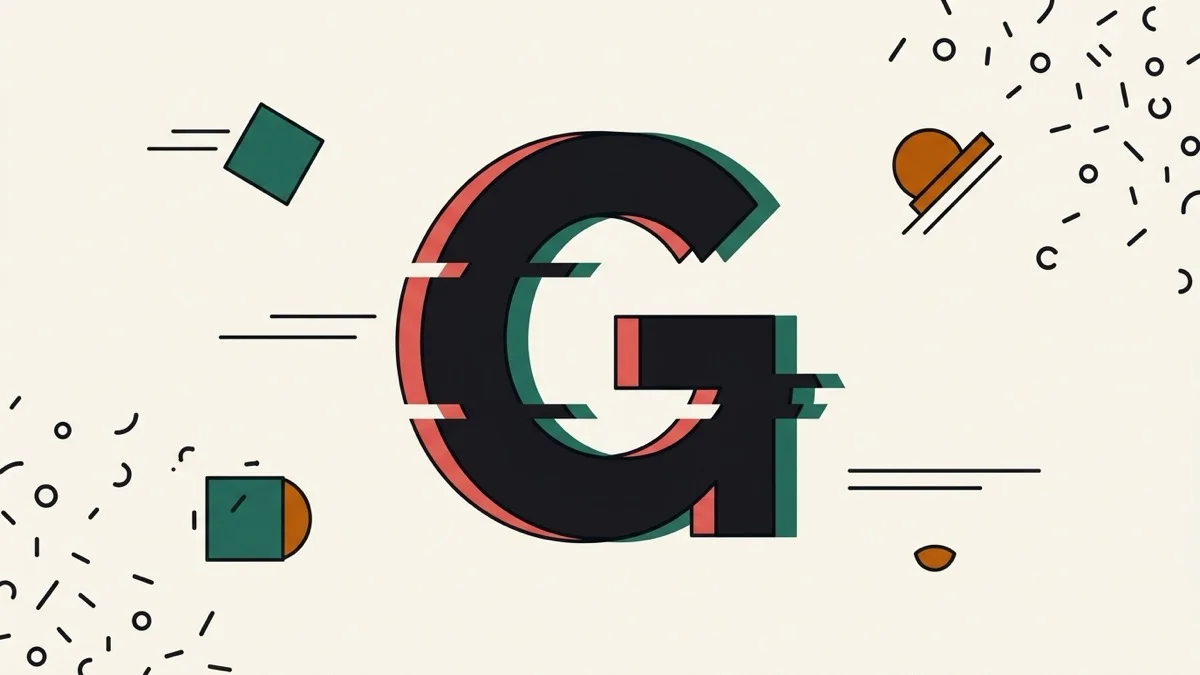
- 2026-09-01 Added: a cover image (a giant glitching letter G split into red- and teal-tinted offset copies with jagged horizontal bands) — used as the card thumbnail, social share image, and blog title image.
- 2026-09-01 Launched: CSS text glitch effect generator (no button) — three effect types (RGB-split color, noise, transform), intensity/speed sliders, low-font-size warning, and a Reduce motion preview toggle. Copied code always includes a prefers-reduced-motion media query. Entirely client-side.