Code to Image Converter
Turn a code snippet into a syntax-highlighted window image — auto-sized to your code so there's no manual centering, and your code never touches the URL (unlike the tools it's compared to, where pasting code puts it straight into a query string or hash you can verify yourself).
How it works
- Paste your code — a preview renders instantly with syntax highlighting
- Pick a language, theme, background, and padding — the window auto-sizes to fit
- Download as PNG or copy the image straight to your clipboard
Frequently asked questions
Does my code get sent to a server or end up in the URL?
No — rendering happens entirely in your browser, and your code is never reflected in the page URL. (Try pasting code into some other code-screenshot tools and check the address bar — the code often shows up there.)
What languages does this support?
JavaScript/TypeScript, Python, JSON, CSS, HTML, Bash, and plain text (no highlighting).
How do I center my code in the image?
You don't need to — the canvas size is calculated automatically from your code's longest line and line count, so there's no manual padding or spacebar alignment.
Can I copy the image instead of downloading it?
Yes — the Copy image button puts the PNG directly on your clipboard.
Related tools

From the blog
Update history
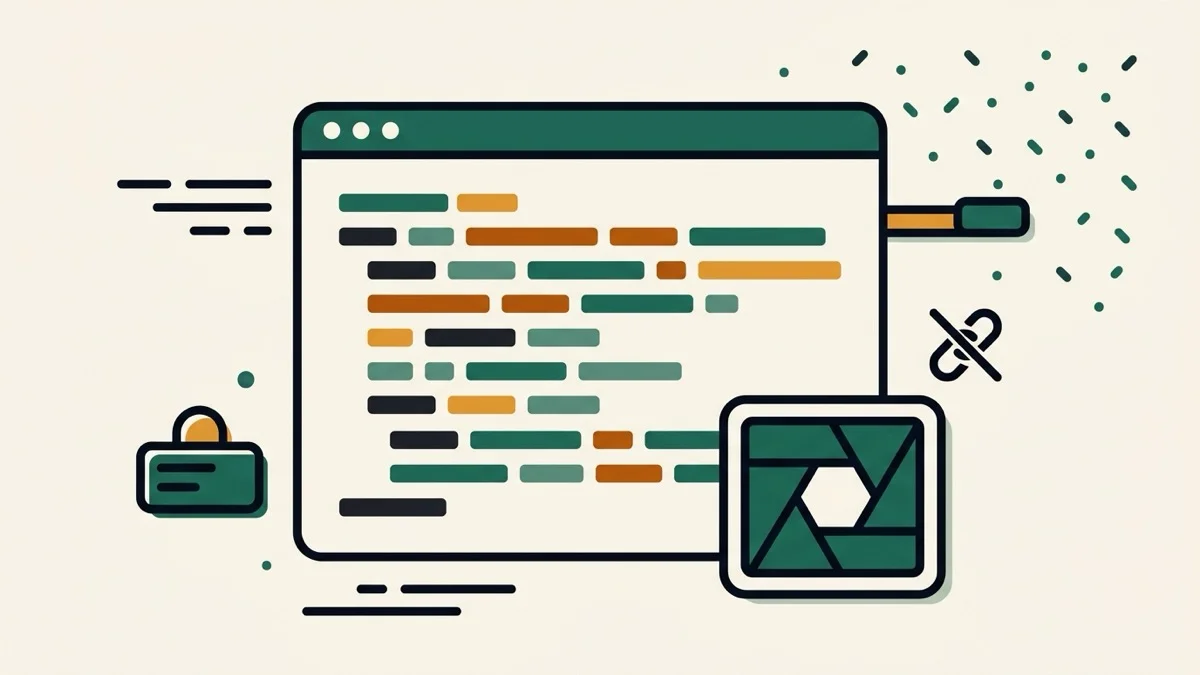
- 2026-08-30 Added: a cover image (a code window with colorful syntax-block lines, a shutter icon signaling image capture, and a crossed-out link icon signaling no URL leakage) — used as the card thumbnail, social share image, and blog title image.
- 2026-08-30 Launched: live code-to-image converter (no button) — syntax-highlighted window PNGs with auto-sizing, multiple themes and backgrounds, PNG download and clipboard copy, entirely client-side with no code ever reflected in the URL.