Before building Code to Image Converter, we pasted a test snippet — including a fake secret key — into two well-known code-screenshot tools and watched the browser's own address bar.
One tool put it in the query string
Pasting const SECRET_API_KEY = "sk-test-..." into the first tool updated the URL to include ?code=const%20SECRET_API_KEY%20... — the entire snippet, in plain text, right in the address bar. That's a query parameter: it can end up in browser history, get logged by any server or CDN in front of the page, and travel along if you ever copy that URL to share.
The other put it in a hash — still not nothing
The second tool didn't send it as a query string; instead it appended a base64-encoded blob after a # in the URL. That's better — hash fragments aren't sent to a server as part of the request — but it's still sitting in your browser history, and decoding it back to the original code takes about one line of JavaScript.
This tool doesn't put your code in the URL. At all.
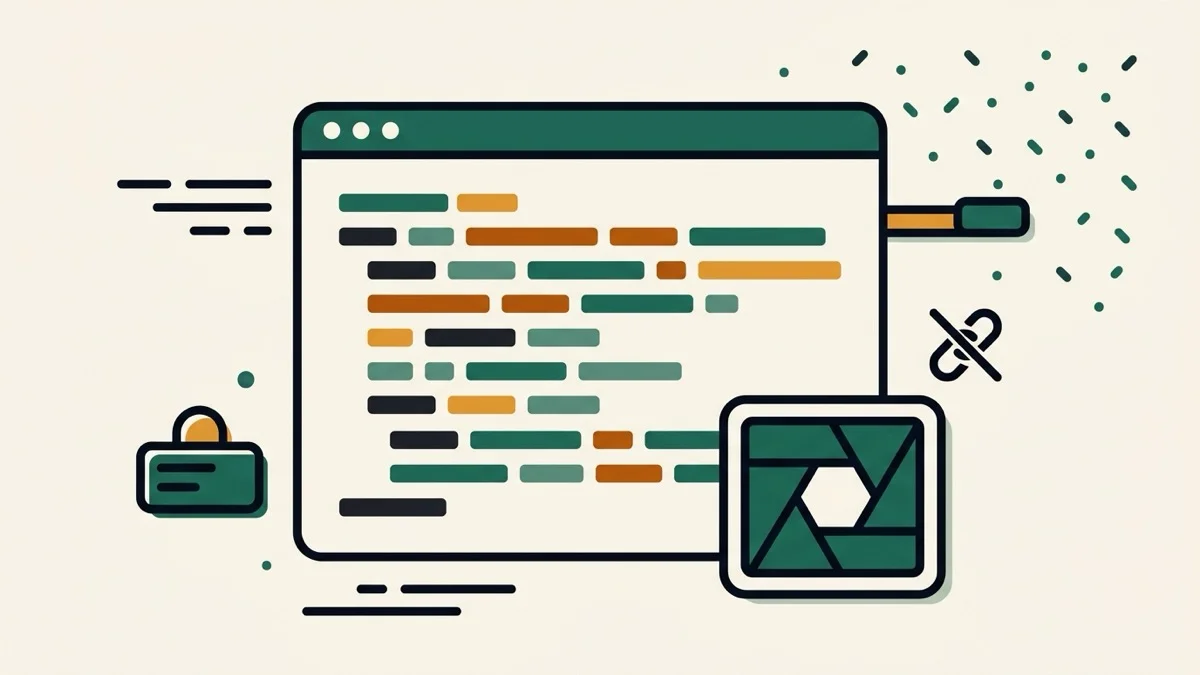
We built the renderer so the page URL never changes based on what you type — nothing to inspect, nothing to decode. The image itself is generated directly on a canvas in your browser and leaves as a PNG download or a clipboard copy, not a shareable link carrying your code along with it.
No spacebar required
One of the recurring complaints we found about the more established tools was needing to nudge padding and add spaces just to get a snippet centered. This tool measures your code's longest line and total line count and sizes the window automatically — there's nothing to manually align.