CSV Doctor
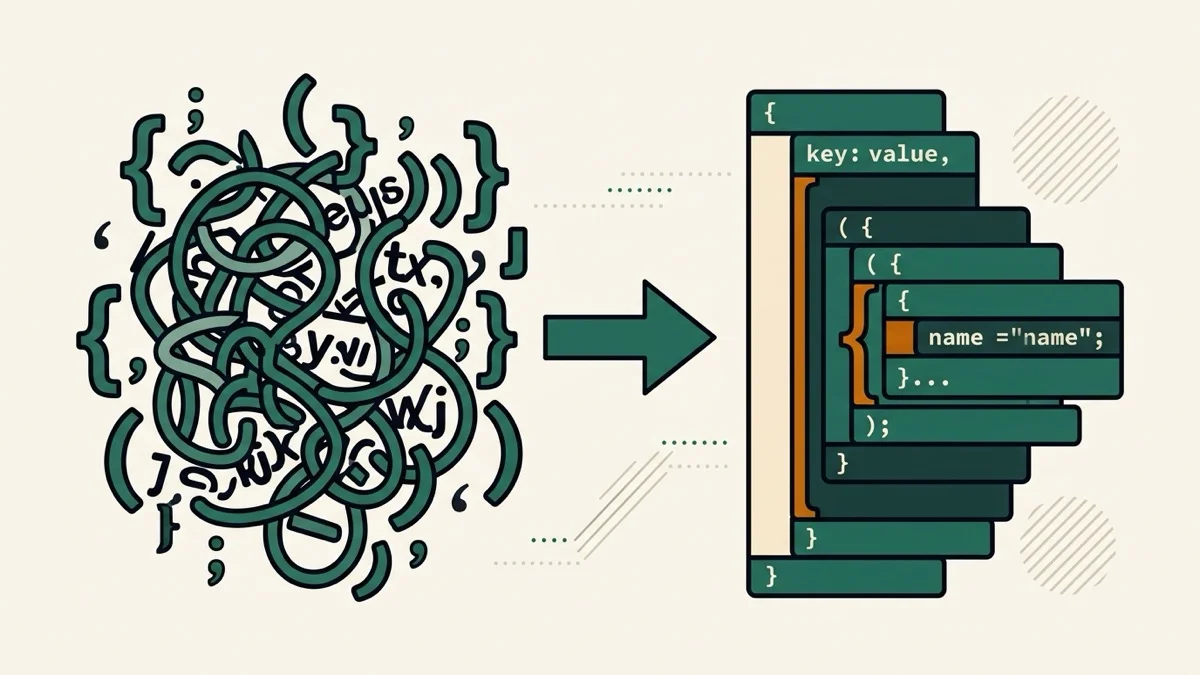
Paste or upload a CSV and get a live health report — delimiter, column-count mismatches, exact duplicate rows, and possible encoding mismatches — with opt-in cleanup that never deletes data without your say-so.
How it works
- Paste your CSV, or upload a file to unlock encoding re-decoding (UTF-8, Windows-1252, EUC-KR, Shift-JIS, ISO-8859-1)
- The health report updates live below — delimiter detected, rows with the wrong column count, and duplicate rows, each with line numbers
- Check the cleanup boxes you actually want, then copy or download the cleaned CSV
Frequently asked questions
Does it delete duplicate or broken rows automatically?
No — by default it only reports them. Rows are only removed if you explicitly check the cleanup boxes, so you never lose data without choosing to.
How do I fix garbled encoding?
Upload the file (not paste) so the original bytes are preserved, then switch the encoding dropdown between UTF-8, Windows-1252, EUC-KR, Shift-JIS, and ISO-8859-1 — the preview updates live so you can see which one reads correctly.
Is my file uploaded anywhere?
No, everything is processed in your browser.
Related tools

From the blog

Update history
- 2026-08-30 Added: a cover image — used as the card thumbnail, social share image, and blog title image.
- 2026-08-30 Fixed: the health report's green/red status colors weren't rendering (a CSS scoping issue affecting dynamically-generated content) — now shows correctly.
- 2026-08-30 Launched: live CSV health check (no button) — detects delimiter, ragged rows, exact duplicate rows, and mojibake; upload a file to preview re-decoding in UTF-8/Windows-1252/EUC-KR/Shift-JIS/ISO-8859-1; opt-in row removal never deletes data silently.