JSON Formatter & Validator
Format, validate, and explore JSON — beautify, minify, and a collapsible tree view, all on one page with no submit button.
How it works
- Paste your JSON into the box
- It's validated instantly as you type, with the exact line and column of any syntax error
- Switch between Beautify, Minify, and Tree view without leaving the page
Frequently asked questions
How do I find where my JSON error is?
The error message includes the exact line and column where parsing failed, so you don't have to scan the whole document.
What's the difference between Beautify and Minify?
Beautify adds indentation for readability. Minify strips all whitespace to reduce file size — useful before sending JSON over the network.
Can I browse large JSON structures without scrolling through raw text?
Yes — switch to Tree view to get a collapsible, expandable view of every object and array.
Does this handle large JSON files?
It runs entirely in your browser's memory, so anything your browser tab can hold, this tool can format.
Related tools


From the blog
Update history
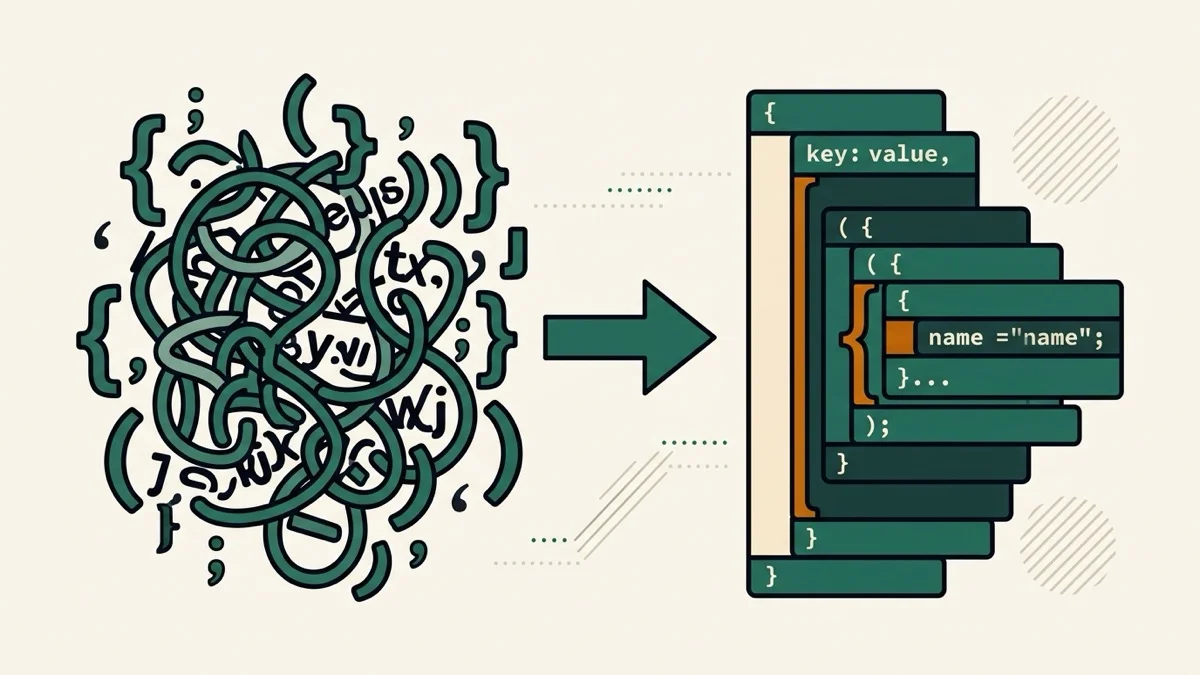
- 2026-08-30 Added: a cover image — used as the card thumbnail, social share image, and blog title image.
- 2026-08-29 Fixed: Embed button now works (it silently did nothing before — Astro module scripts made document.currentScript unreliable) and the generated iframe snippet points at the correct /embed/{category}/{slug} URL instead of a 404. Removed: "API" share button — it linked to /api/v1/{slug}, which doesn't exist on this static site and always 404'd. Will return once a real API is built.
- 2026-08-28 Improved: error location now found with our own JSON syntax scanner instead of parsing the browser's error message, so line/column stay accurate across Chrome, Firefox, and Safari (their error message formats differ and change over time).
- 2026-08-28 Launched: real-time JSON formatter/validator with beautify, minify, and tree view in one page — no separate pages, no submit button.