JSON to YAML Converter
Paste JSON and get YAML instantly, no Convert button — with ambiguous strings like "yes" or "12:00:00" automatically quoted so they don't get silently reinterpreted as booleans or times when the YAML is read back.
How it works
- Paste or type JSON on the left
- YAML output updates live on the right
- Strings YAML could misread as a different type are quoted automatically
Frequently asked questions
Does this handle nested objects and arrays?
Yes — any valid JSON structure, however deeply nested, converts to properly indented YAML.
Why are some strings quoted in the output even though they weren't quoted in my JSON?
Strings that YAML would otherwise misread as a different type — like "yes", "true", or "12:00:00" — are quoted automatically so they stay strings when the YAML is read back.
Is my JSON sent to a server?
No — the conversion happens entirely in your browser.
Related tools

From the blog

Update history
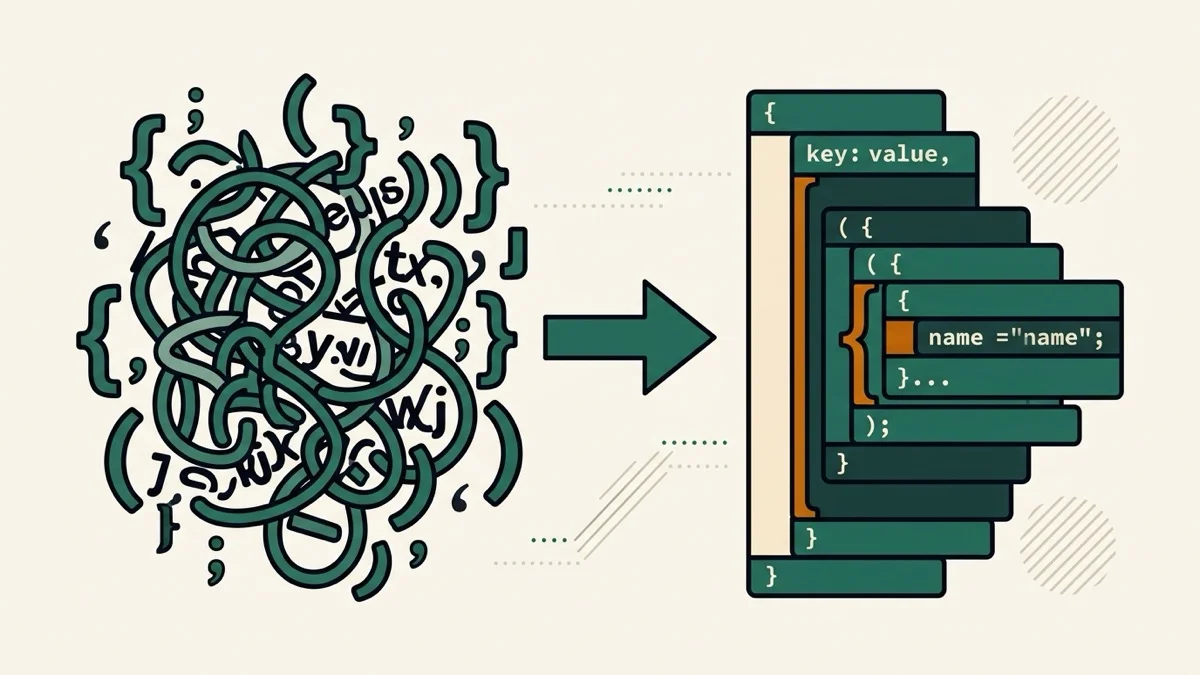
- 2026-08-30 Added: a cover image (JSON brackets transforming into a YAML tree, with a quoted-string badge) — used as the card thumbnail, social share image, and blog title image.
- 2026-08-30 Launched: live JSON to YAML conversion (no button) — automatically quotes ambiguous scalars (yes/no/true/time-like strings) so they don't get silently reinterpreted as a different type when the YAML is read back.