YAML to JSON Converter
Paste YAML and get JSON instantly — anchors and aliases are fully resolved (not left as an unsupported error), and a tab-character indentation mistake is pointed out by exact line number instead of a cryptic parser message.
How it works
- Paste or type YAML on the left
- JSON output updates live on the right
- Anchors (&) and aliases (*) are automatically expanded into their full values
Frequently asked questions
Does this support YAML anchors and aliases?
Yes — anchors (&name) and aliases (*name) are fully resolved into their expanded values in the JSON output, not left as an error.
Why do I get an error about a tab character?
YAML forbids tabs for indentation (spaces only) — a tab and a space look identical in most editors, so this is flagged by exact line number instead of a generic parser error.
Is my YAML sent to a server?
No — parsing happens entirely in your browser.
Related tools

From the blog

Update history
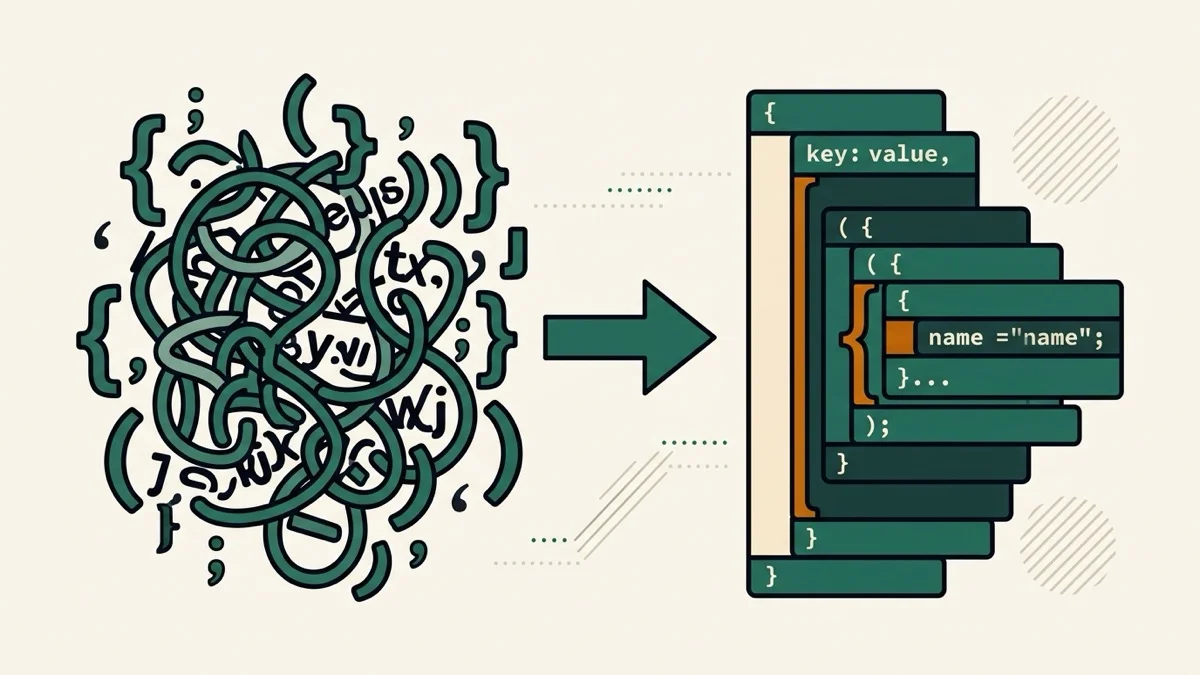
- 2026-08-30 Added: a cover image (YAML tree transforming into JSON brackets, with a magnifying glass on a hidden tab character) — used as the card thumbnail, social share image, and blog title image.
- 2026-08-30 Launched: live YAML to JSON conversion (no button) — anchors/aliases fully resolved, and tab-character indentation mistakes (invisible in most editors) are flagged with the exact line number instead of a cryptic parser error.