JSON Tree Viewer
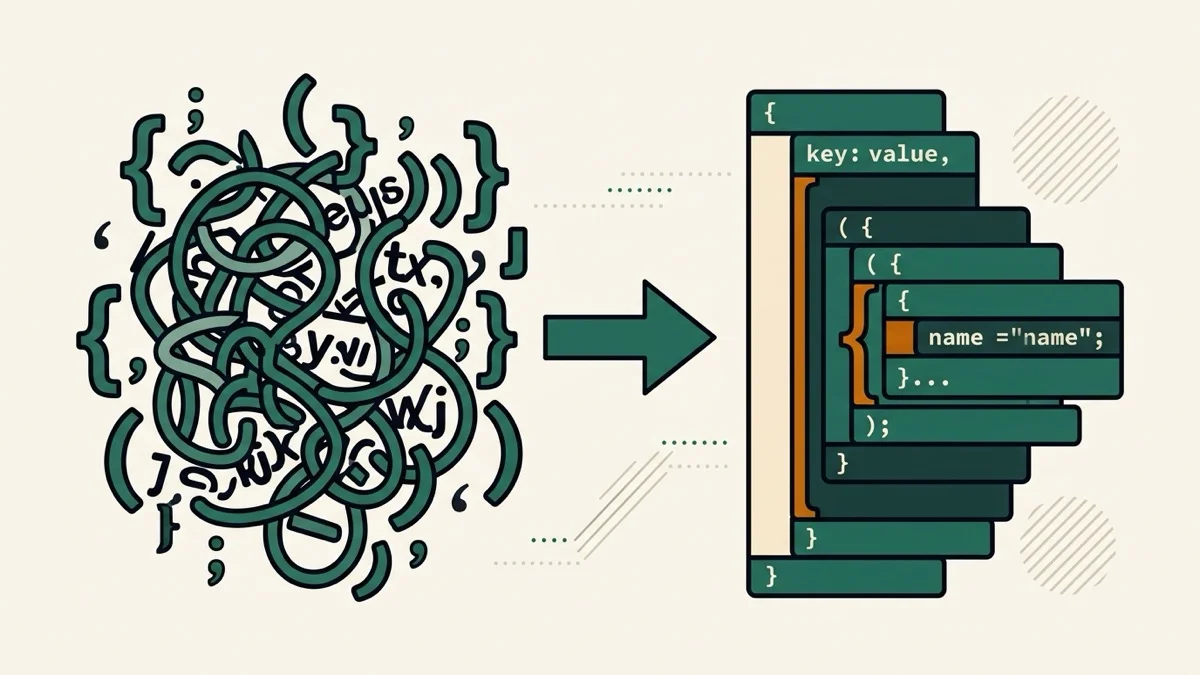
Explore JSON as a live, collapsible tree — click any node to see and copy its JSONPath, no button to click, and the top level opens automatically while nested branches stay collapsed for large files.
How it works
- Paste your JSON
- The tree renders live below — the top level expands automatically, nested branches start collapsed
- Click any node to see its JSONPath (e.g. $.items[2].name) and copy it with one click
Frequently asked questions
Does it update as I type?
Yes — no button to click. The tree re-renders live as you paste or edit your JSON.
How do I get the path to a specific value?
Click any node in the tree — its JSONPath appears in a bar above the tree with a Copy path button, ready to paste into your code.
Will a large JSON file slow down my browser?
Only the top level expands automatically; nested branches start collapsed, which keeps the initial render fast even for large documents. Use Expand all if you need to see everything at once.
Related tools

From the blog

Update history
- 2026-08-30 Added: a cover image — used as the card thumbnail, social share image, and blog title image.
- 2026-08-30 Launched: live JSON tree view (no button), click any node to see and copy its JSONPath, top level expanded by default for large-file performance.