Unix Timestamp Converter
Convert Unix timestamps to dates and back, live as you type, with a timezone picker and a running current-timestamp display.
How it works
- Watch the current Unix timestamp tick in real time, or click "Use now" to load it into the converter
- Type a timestamp (seconds or milliseconds — auto-detected) to see the date instantly
- Or pick a date and time to get the matching timestamp — both directions respect the timezone you select
Frequently asked questions
What is a Unix timestamp?
The number of seconds (or milliseconds) that have elapsed since midnight UTC on January 1, 1970.
How does it know if I typed seconds or milliseconds?
By digit count — 10 digits is treated as seconds, 13 as milliseconds, matching the ranges those units cover for current dates.
Can I convert to a different timezone instantly?
Yes — pick any timezone from the dropdown and both the timestamp-to-date and date-to-timestamp results update immediately, no button needed.
Do I need to navigate to a different page for a different year?
No — type any timestamp or pick any date directly; there's no fixed list of per-year pages to click through.
Related tools


From the blog
Update history
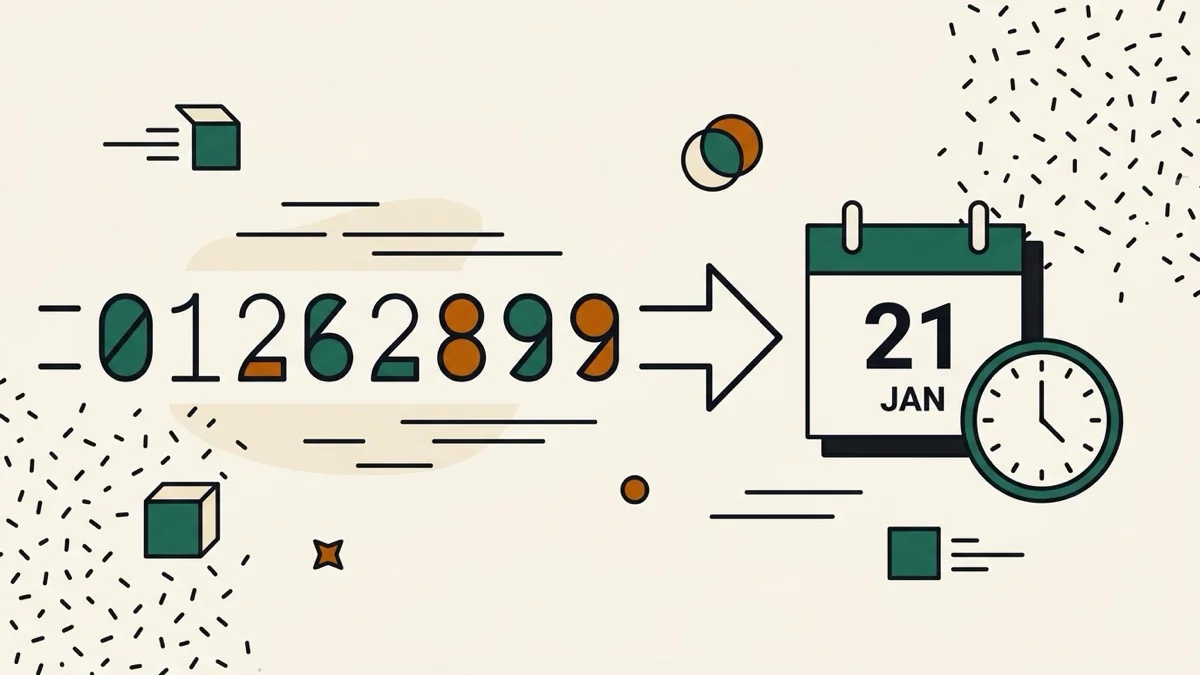
- 2026-08-30 Added: a cover image — used as the card thumbnail, social share image, and blog title image.
- 2026-08-29 Fixed: Embed button now works (it silently did nothing before — Astro module scripts made document.currentScript unreliable) and the generated iframe snippet points at the correct /embed/{category}/{slug} URL instead of a 404.
- 2026-08-28 Launched: real-time bidirectional Unix timestamp/date converter with timezone selector and auto seconds/milliseconds detection.