Before building our Unix timestamp converter, we read an actual user review of one of the most established epoch converters — and checked how the most common one handles converting.
"I have to hit a link on 2024 to get to 2025"
That's a direct quote from a January 2025 review of a popular epoch converter — the site organizes dates into per-year pages, and reaching a new year means finding and clicking that year's link rather than just typing a date. Ours has no year pages at all: type any timestamp, or pick any date, and it converts immediately.
Current Unix timestamp — one option is usually enough
Most timestamp converters we looked at show a single timezone (usually UTC) by default, with timezone handling as an extra step if it's offered at all. Ours puts a timezone dropdown right in the main flow — switch it and both the timestamp-to-date and date-to-timestamp results update immediately, no page reload.
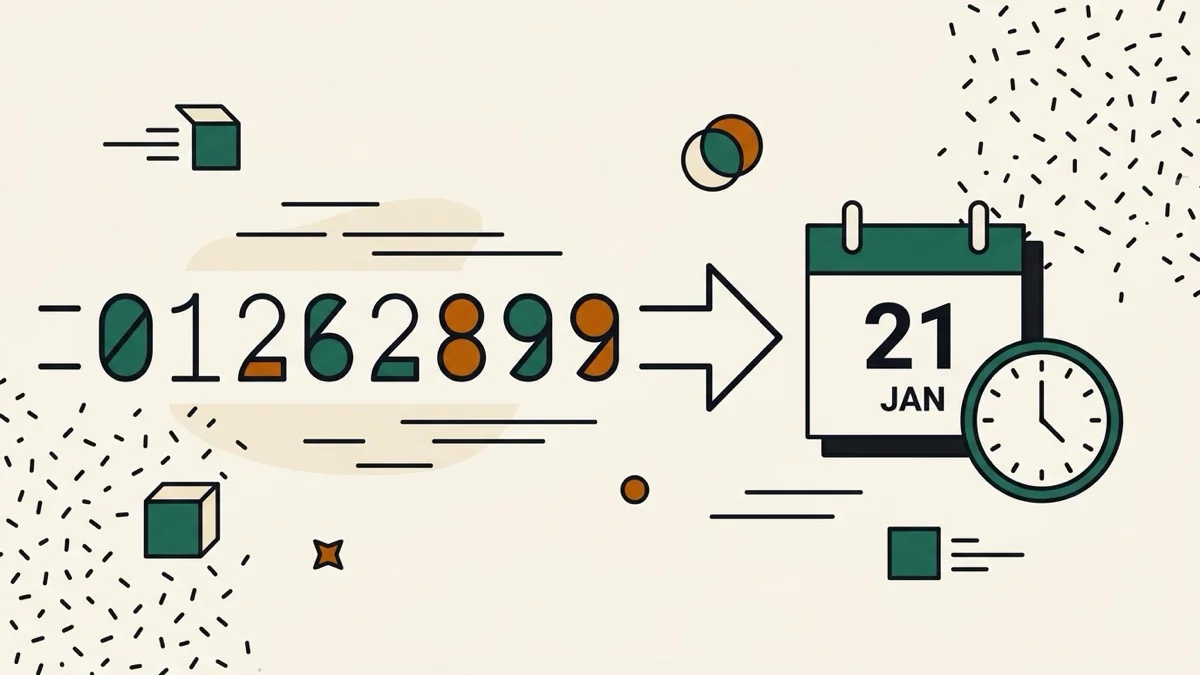
Epoch to human readable date, without a Convert button
We checked unixtimestamp.com directly: converting a value requires clicking a "Convert →" button. Ours updates as you type — the current timestamp also ticks live at the top of the page, in seconds and milliseconds, with a "Use now" shortcut to drop it straight into the converter.