Text to Handwriting Converter
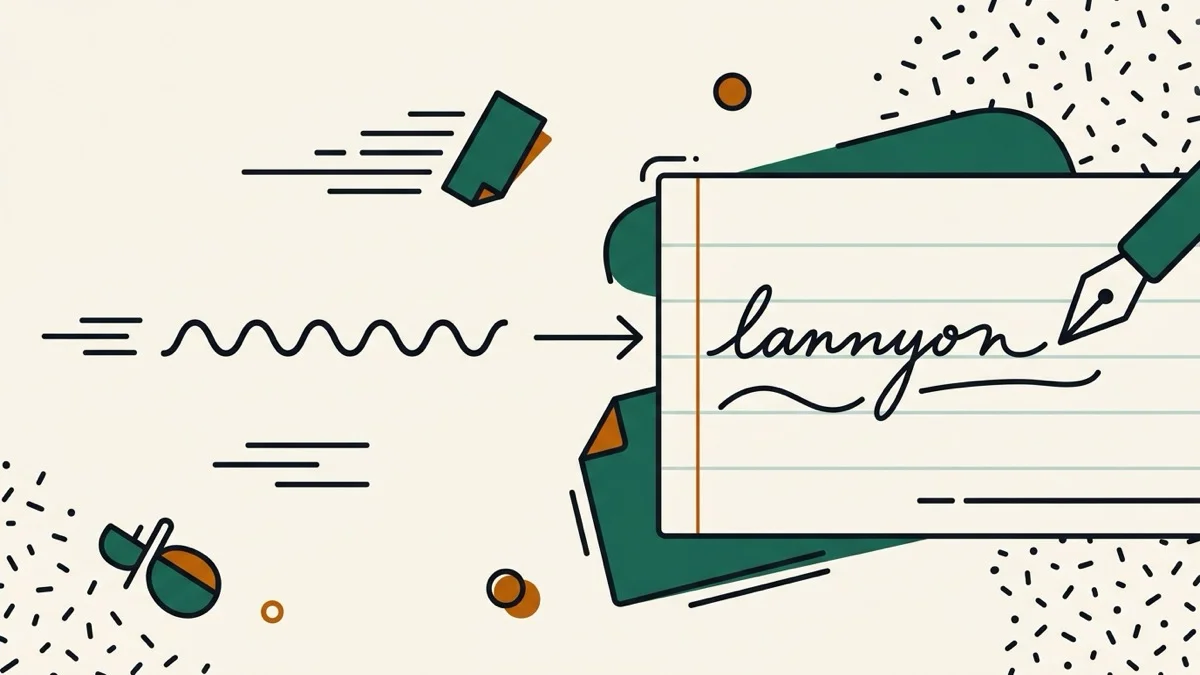
Turn typed text into a realistic handwriting image — pick a style, paper, and ink color, with no watermark and no cutoff on long text.
How it works
- Type or paste your text
- Pick a handwriting style, paper background, and ink color
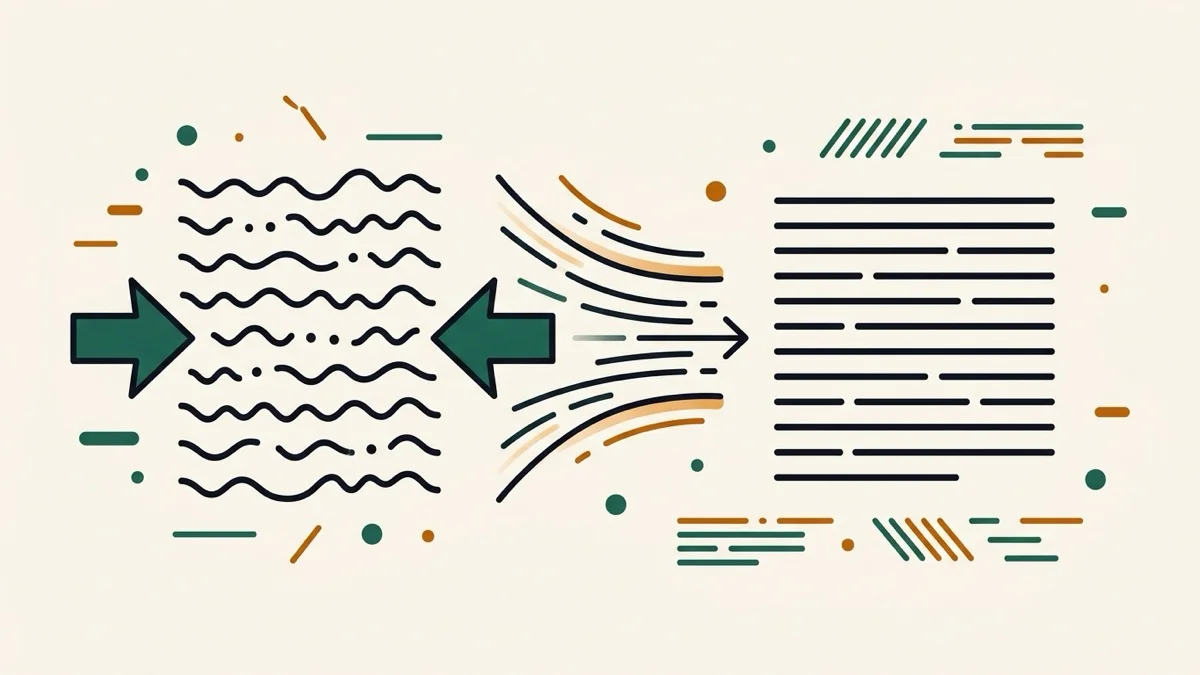
- The canvas preview updates live and grows taller automatically so nothing gets cut off — download as PNG when ready
Frequently asked questions
Is there a watermark on the downloaded image?
No. Unlike many handwriting generators that add a watermark and charge to remove it, this tool never adds one, free or not.
Does long text get cut off?
No — instead of splitting text across separate pages, the image height grows automatically to fit everything you typed.
Does this work for non-Latin scripts like Korean?
The handwriting fonts are Latin-alphabet styles, so non-Latin text falls back to a plain system font rather than looking handwritten. Dedicated support for other scripts is a possible future addition.
Related tools

From the blog
Update history
- 2026-08-30 Added: a cover image — used as the card thumbnail, social share image, and blog title image.
- 2026-08-29 Launched: live text-to-handwriting canvas renderer, 3 handwriting fonts, 3 paper styles, 3 ink colors, no watermark, canvas height grows automatically so long text never gets cut off.