Whitespace & Line Break Remover
0 chars before → 0 chars after
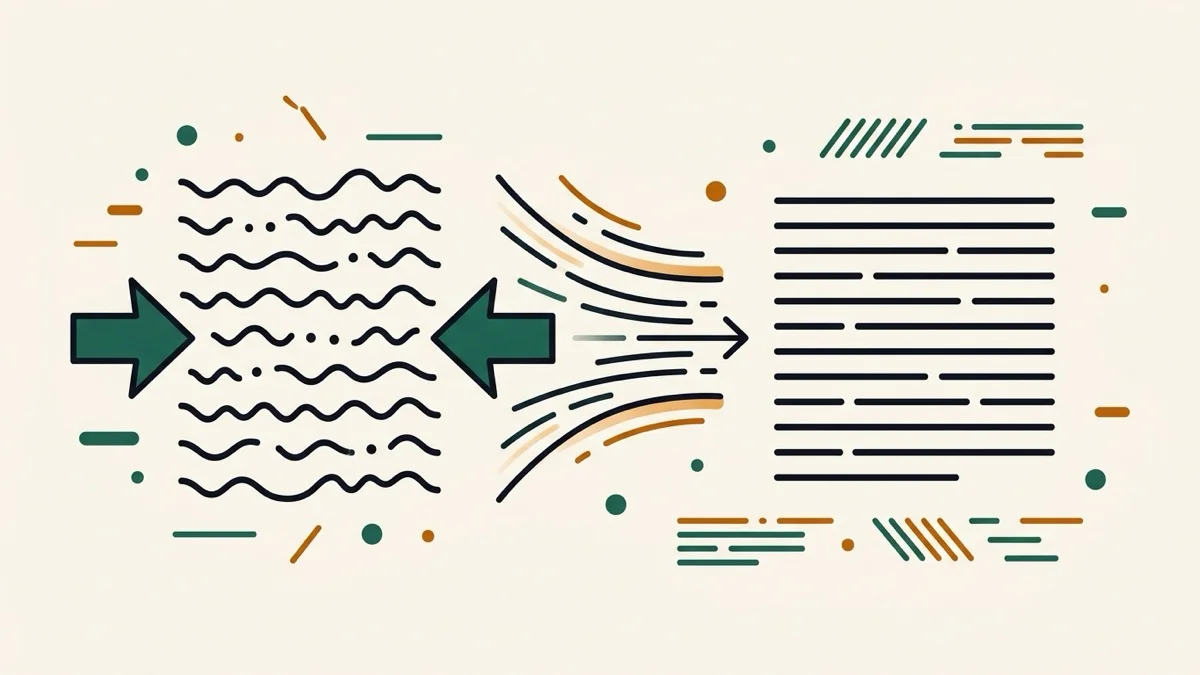
Clean up messy text — collapse repeated spaces, convert tabs, strip line breaks without gluing words together, and remove empty lines, all with live toggles.
How it works
- Paste your text into the input box
- Toggle the options you need — collapse spaces, tabs to spaces, remove line breaks, remove empty lines, trim line edges
- The cleaned result updates live in the output box, with a before/after character count
Frequently asked questions
Does this convert tabs too?
Yes — turn on "Convert tabs to spaces" and every tab character becomes a single space.
If I remove line breaks, will words run together?
No. Removing line breaks leaves a single space where the break was, so words never get glued together — a real complaint we found about a competing tool.
Will this remove paragraph breaks I want to keep?
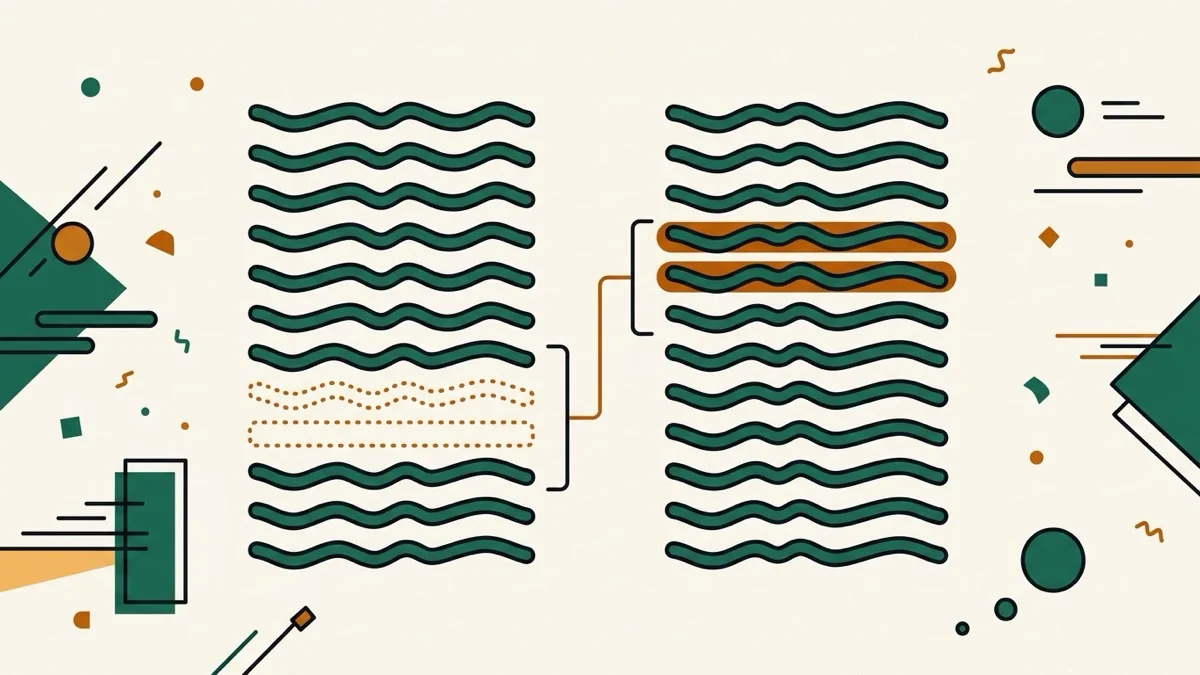
Only if you turn on "Remove empty lines" — that's a separate toggle, so your paragraph spacing stays intact unless you choose to strip it.
Related tools
From the blog
Update history
- 2026-08-30 Added: a cover image — used as the card thumbnail, social share image, and blog title image.
- 2026-08-29 Launched: live whitespace/tab/line-break/empty-line cleanup with per-option toggles, before/after character count, .txt download. Removing line breaks also collapses the leftover space so words never get glued together.