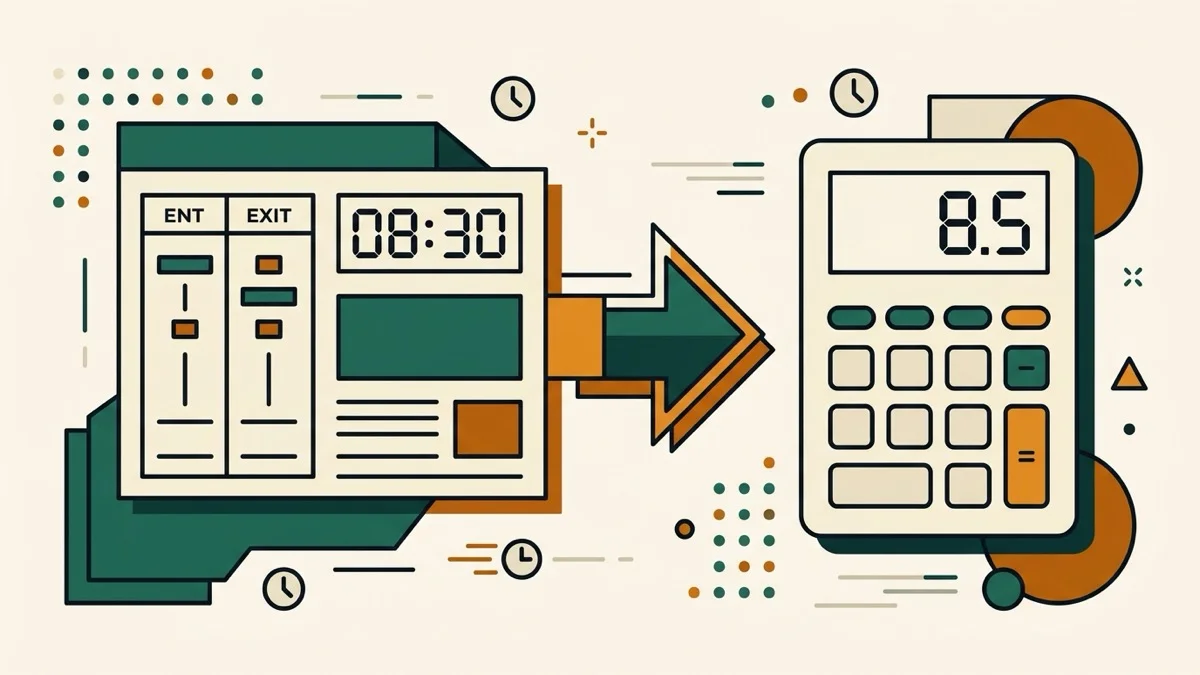
Payroll systems run on decimal hours, not hours and minutes — wage math is multiplication, and multiplication needs base-10 numbers. The problem is that "38 hours 20 minutes" looks like it should be 38.20, and that's wrong.
Convert minutes to decimal for payroll — the mistake, spelled out
Minutes are base-60. 20 minutes is 20÷60 = 0.33 of an hour, so 38 hours 20 minutes is 38.33 decimal hours — not 38.20. Get it wrong across a pay period and every affected employee is shorted a few minutes of wages each time, silently.
Why separate hour and minute fields fix it structurally
Most decimal hours converters just show a static conversion chart you have to search by eye. This one takes hours and minutes as two separate input fields, so there's no single number where the mistake can even happen — the math (minutes ÷ 60) is shown right below the result.
Timesheet decimal conversion with FLSA rounding presets
US payroll rounding rules allow the nearest 1, 5, 6 (one-tenth hour), or 15 minutes (the legal maximum increment) — pick a preset and see both the raw and rounded decimal value together.