Before building our Markdown editor, we looked at what's documented — and not documented — about a couple of free alternatives, plus a real bug report from this category.
GitHub Flavored Markdown, confirmed and documented
We checked one free markdown editor directly and its page never explicitly confirms support for tables, task lists, or strikethrough — you'd have to try it yourself to find out. Ours supports all three, and this page says so directly rather than leaving you to guess.
"Lost my content despite saving" — a real complaint, not a hypothetical
That's the literal title of a GitHub issue filed against a popular markdown editor. It's not an isolated case either — content loss after a refresh or an accidental tab close is a recurring theme across markdown editing tools. Ours removes the failure mode entirely: there's no "Save" button to forget, because every keystroke writes your draft to this browser automatically.
Markdown editor autosave, without an account
The autosave lives in this browser's local storage, not a server — so there's no signup, and nothing to sync or misplace across accounts. Refresh the page, close the tab, come back later: your draft is still there.
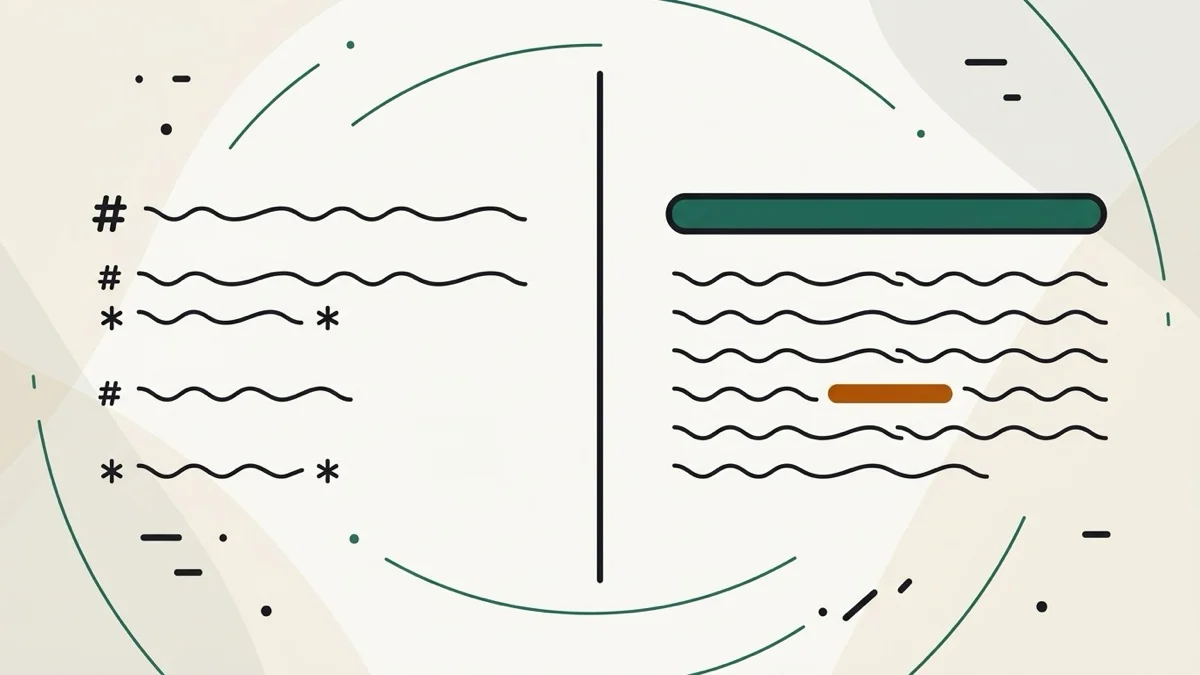
A markdown editor with live preview, no signup, side by side
The rendered preview updates as you type, right next to the editor (stacked on mobile) — no button, no separate "render" step.