Markdown Editor
Saved automatically — safe to refresh.
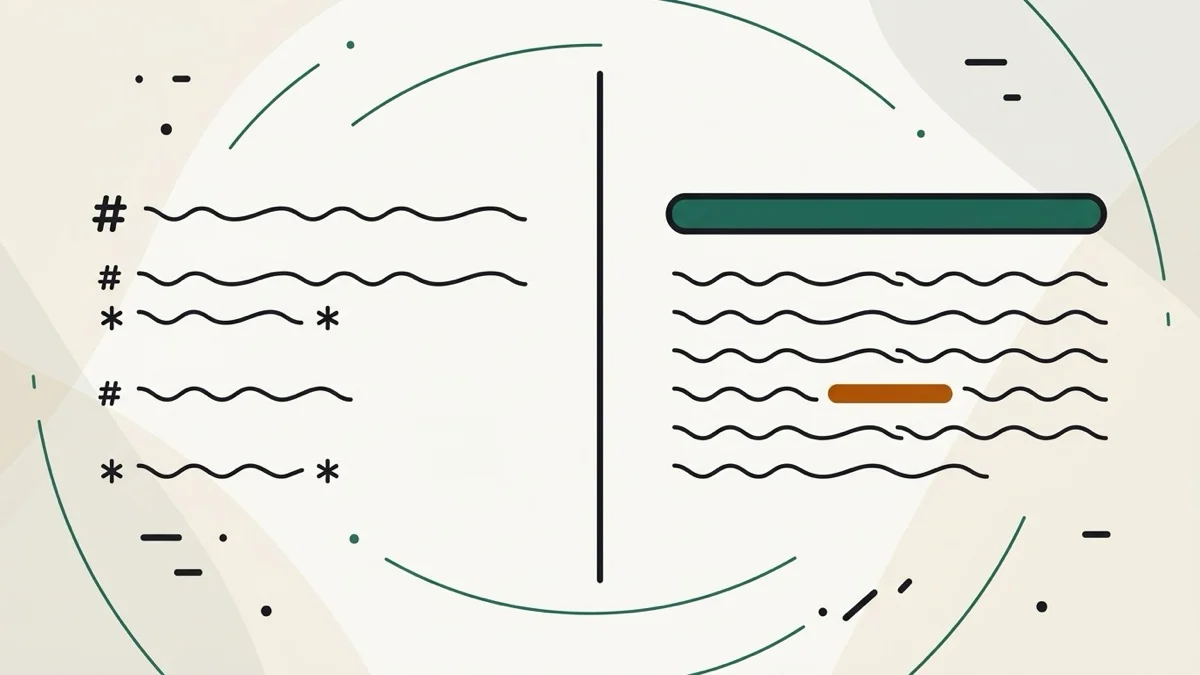
Write Markdown with a live preview side by side — supports GitHub Flavored Markdown (tables, task lists, strikethrough), and auto-saves as you type so nothing is lost on refresh.
How it works
- Write Markdown on the left (or top, on mobile)
- The rendered preview updates live on the right
- Your draft auto-saves to this browser as you type — copy the rendered HTML or download the raw .md file whenever you're ready
Frequently asked questions
Does this support tables and task lists?
Yes — GitHub Flavored Markdown tables, task lists (- [ ] and - [x]), and strikethrough (~~text~~) are all supported.
Will I lose my work if I refresh the page?
No — your draft auto-saves to this browser as you type, so refreshing (or accidentally closing the tab) restores exactly where you left off. It's local to this browser, so it won't sync to another device.
Can I paste the rendered result somewhere else?
Yes, "Copy HTML" copies the rendered markup so you can paste it into email or a document with formatting intact.
Related tools
From the blog
Update history
- 2026-08-30 Added: a cover image — used as the card thumbnail, social share image, and blog title image.
- 2026-08-29 Launched: live markdown editor with GFM support (tables, task lists, strikethrough), auto-save to localStorage (survives refresh/tab close), HTML copy, .md download.