JSON to TOML Converter
Paste JSON and get TOML instantly — nested objects become [section] headers, arrays of objects become [[array-of-table]] blocks, and TOML's real constraints (no null, no mixed-type arrays) are flagged clearly instead of silently producing invalid output.
How it works
- Paste or type JSON on the left
- TOML output updates live on the right, following TOML v1.0 conventions
- If your JSON has a null value or a mixed-type array, you'll see exactly which field TOML can't represent
Frequently asked questions
Why did I get an error about a mixed-type array?
TOML requires every element in an array to be the same type. A JSON array like [1, "two", true] mixes number, string, and boolean, which isn't valid TOML — split it into separate fields instead.
What happens to null values?
TOML has no native null type, so a field with a null value can't be converted as-is. Remove the field or give it a real value first.
How are nested objects handled?
Nested objects become [section] headers, and arrays of objects become [[array-of-table]] blocks, per the TOML v1.0 spec.
Related tools

From the blog

Update history
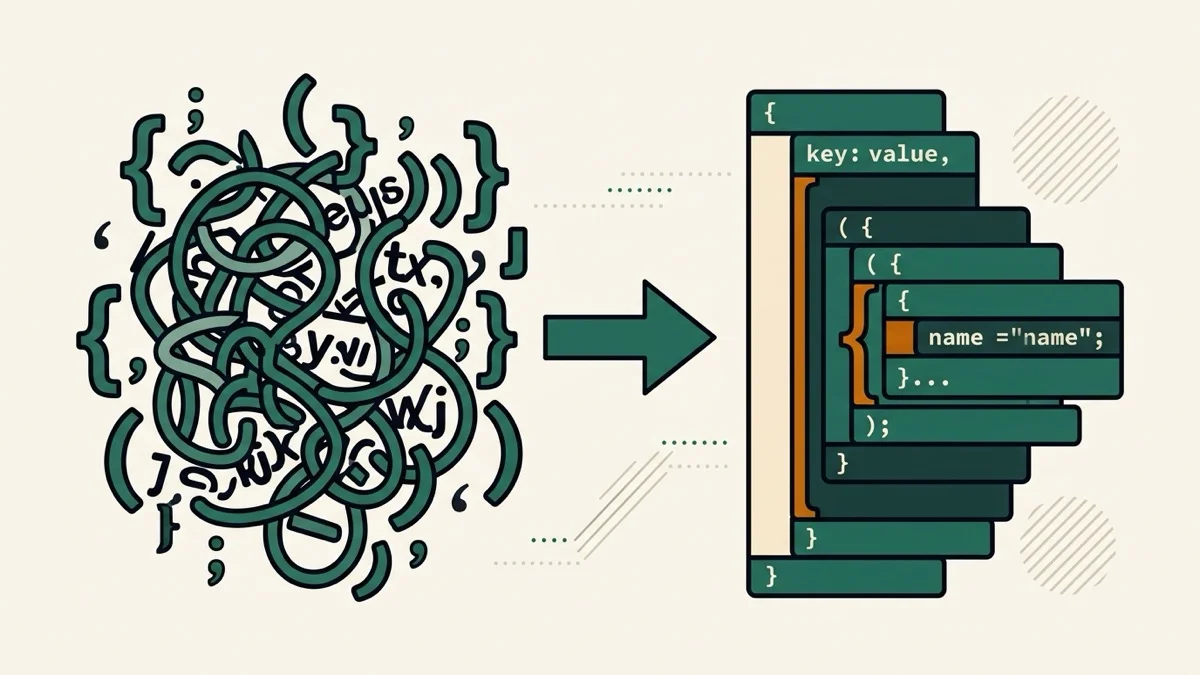
- 2026-08-30 Added: a cover image (JSON brackets transforming into TOML section tabs with a warning badge) — used as the card thumbnail, social share image, and blog title image.
- 2026-08-30 Launched: live JSON to TOML conversion (no button) — nested objects become [section] headers, arrays of objects become [[array-of-table]] blocks, and TOML's real limits (no null, no mixed-type arrays) produce a clear error instead of silently invalid output.